All-in-one digital toolkit. Premium WordPress themes, Shopify themes, plugins, templates & creative assets.




 Recently Updated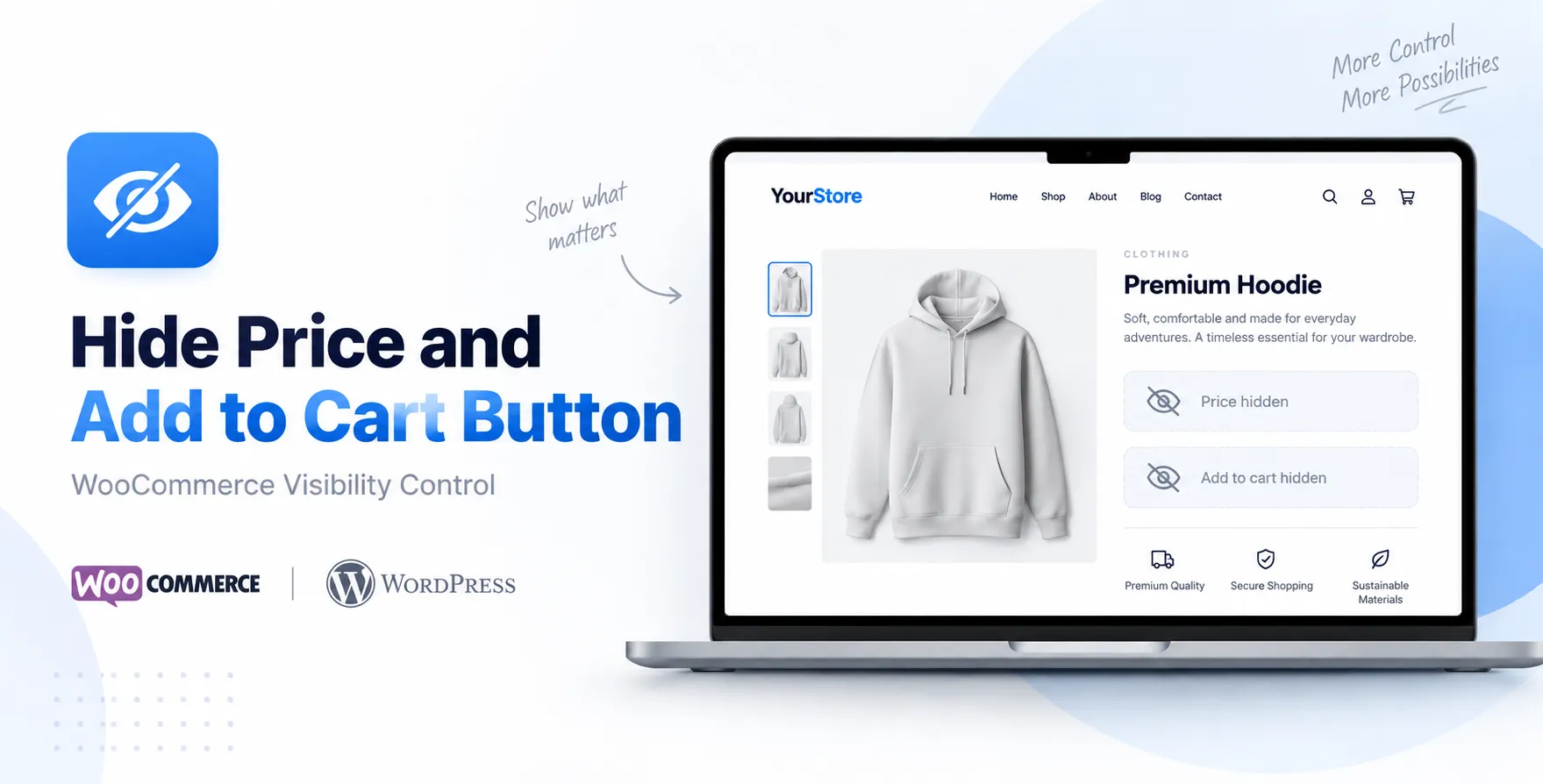

The Hide Price and Add to Cart Button feature lets store owners remove product prices and turn off the normal Add to Cart button on chosen items or on the whole site. This can help companies that want customers to call or email them first ask for a quote or use an ordering way.
What Does Hide Price and Add to Cart Button Do?
This feature changes the WooCommerce product purchasing experience by hiding the visible product price and taking away the Add to Cart button. Instead of allowing an immediate purchase, customers can be sent to a contact form, inquiry page, quotation request, or another customized action.
Key Features:
- Hide Product Prices: Hide Product Prices by removing prices from chosen products from categories or from the whole WooCommerce store when you wish to keep fixed pricing hidden.
- Hide Add to Cart Button: Hide Add to Cart Button by removing the Add to Cart Button from products when direct online purchasing is not needed.
- Replace Add to Cart With Custom Button: Replace Add to Cart with a Custom Button that shows options like Contact Us, Request a Quote, Enquire, or Get Price.
- Product-Based Control: Product-Based Control lets you choose which products show prices and purchasing buttons while keeping other products available for regular online purchases.
- Category-Based Control: Category-Based Control lets you set price and Add to Cart visibility for product categories, making store management easier.
- Catalog Mode: Catalog Mode turns the WooCommerce store into a product catalog by hiding prices and purchasing options.
- B2B Store Support: B2B Store Support is useful for B2B businesses where customers must contact the sales team before getting pricing.
- Quote-Based Selling: Quote-Based Selling lets customers enquire about products of buying them right away through the online checkout.
- Custom Product Support: Custom Product Support works well for products with pricing, customized specifications, bulk orders, or quotation-based pricing.
- Simple Store Management: Simple Store Management lets you set product visibility without making changes to the WooCommerce store.
- Better Customer Enquiries: Better Customer Enquiries encourages visitors to contact the business when product pricing or availability depends on their needs.
- Flexible Pricing Strategy: Flexible Pricing Strategy keeps pricing for selected products while still showing prices for products that have fixed pricing.
Who Can Use This Feature?
I think the Hide Price and Add to Cart Button feature can help kinds of businesses:
- B2B businesses
- Wholesale stores
- Manufacturers
- Distributors
- Custom product sellers
- Service-based businesses
- Businesses that provide quotation-based pricing
- Product catalog websites
- Businesses with negotiated pricing
- Stores selling products with variable prices
Why Remove the Add to Cart Button?
Removing the Add to Cart button can stop customers from buying products through the normal WooCommerce checkout process. This is handy when the business wants customers to talk about their needs, ask for a quote, or finish the purchase using a custom sales method.
Hide Price and Add to Cart Button vs YITH WooCommerce Catalog Mode:
| Feature | Hide Price and Add to Cart Button | YITH WooCommerce Catalog Mode |
| Hide Product Price | Yes | Yes |
| Hide Add to Cart Button | Yes | Yes |
| Complete Catalog Mode | Yes | Yes |
| Hide Price for Guests | Yes | Yes |
| User Role-Based Control | Yes | Yes |
| Product-Level Control | Yes | Yes |
| Category-Level Control | Yes | Yes |
| Custom Price Text | Yes | Yes |
| Custom Add to Cart Text | Yes | Yes |
| Replace Add to Cart Button | Yes | Yes |
| Custom Button/Link | Yes | Yes |
| Contact/Enquiry Option | Yes | Yes |
| Request a Quote Support | Yes | Yes |
| B2B Support | Yes | Yes |
| Wholesale Store Support | Yes | Yes |
| Custom Pricing | Yes | Yes |
| Product Catalog | Yes | Yes |
| Hide Cart and Checkout | Yes | Yes |
| Multiple Rules | Yes | Yes |
| Guest User Settings | Yes | Yes |
| Selective Product Visibility | Yes | Yes |
| Easy Configuration | Yes | Yes |
| WooCommerce Compatibility | Yes | Yes |
| Best For | Price hiding, enquiries, B2B and custom products | Complete catalog-mode stores |
FAQs:
Can I hide the price of a product?
Yes, you can hide a product price if you want customers to ask before getting price information.
Can I remove the Add to Cart button?
Yes, the Add to Cart button can be hidden when direct online purchasing is not needed.
Can I use it as a catalog mode?
Yes, you can use this to create a catalog mode. Hiding the price and the Add to Cart button will turn a WooCommerce store into a product catalog.
Can customers still contact the business?
Yes, customers can still contact you. You can guide them to enquiry, contact, or quotation options of the normal checkout.


Reviews
Clear filtersThere are no reviews yet.