Fluent Forms - The Fastest WordPress Form Builder
Fluent Forms - The Fastest WordPress Form Builder Original price was: Rs24,518.00.Current price is: Rs410.00. for 1 year
Back to products
Basic Membership
Basic Membership Rs820.00 for 1 month

JetAppointment: WordPress Appointment Plugin for Elementor and Gutenberg | Crocoblock

tick Recently UpdatedΒ  tick Well Documented

JetAppointment. WordPress appointment
plugin for Elementor and Gutenberg

Original price was: Rs16,318.00.Current price is: Rs410.00. for 1 year

  • 100% Original ProductΒ and Virus Free.
  • Regular Update.Β 
Payments Method elements keys
9 Items sold in last 24 hours
Last Update Date: January 24, 2024

Description

JetAppointment. WordPress appointment
plugin for Elementor and Gutenberg

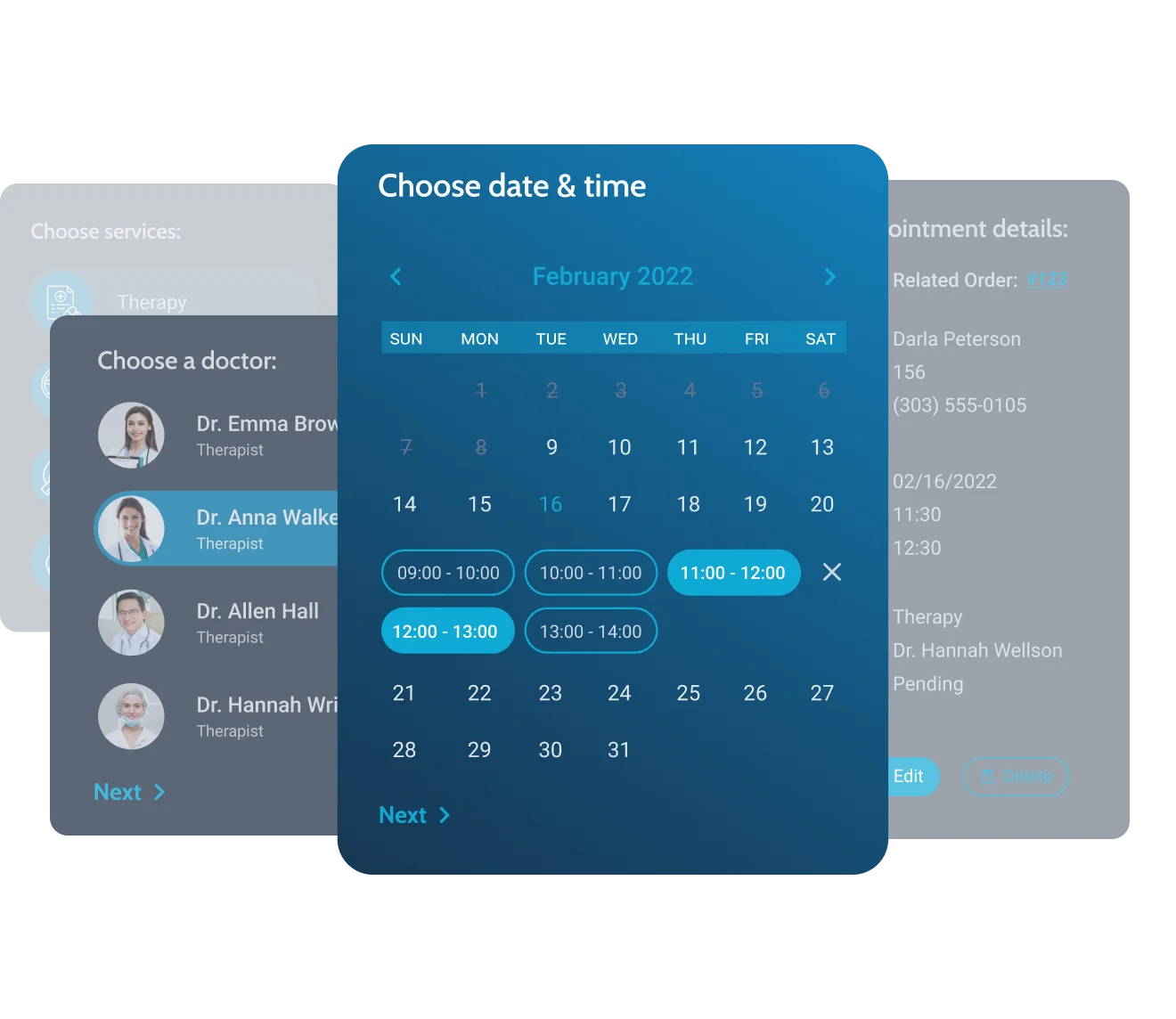
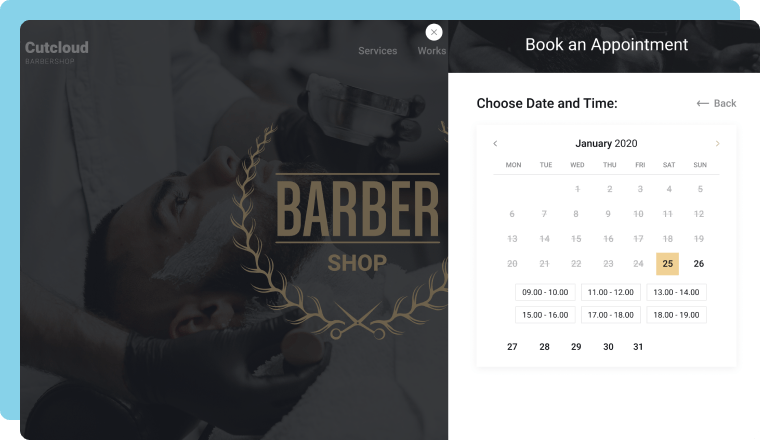
availability calendar in the wordpress appointment plugin on the front end

What’s New

Appointment export feature

Create the appointment backup in the CSV and iCal formats

2.0.2

WooCommerce REST API checkout

Added new compatibility to JetAppointment

2.0.2

Zoom
integration

Book Zoom calls through the JetAppointment engine

2.0.0

Build Appointment Sites & OfferΒ Hourly Service

build appointment sites & offer hourly services
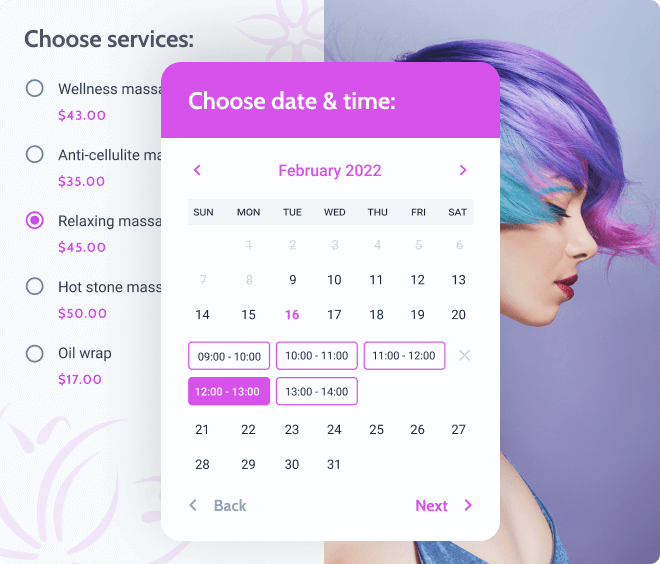
Spa & Beauty

beauty services booking website

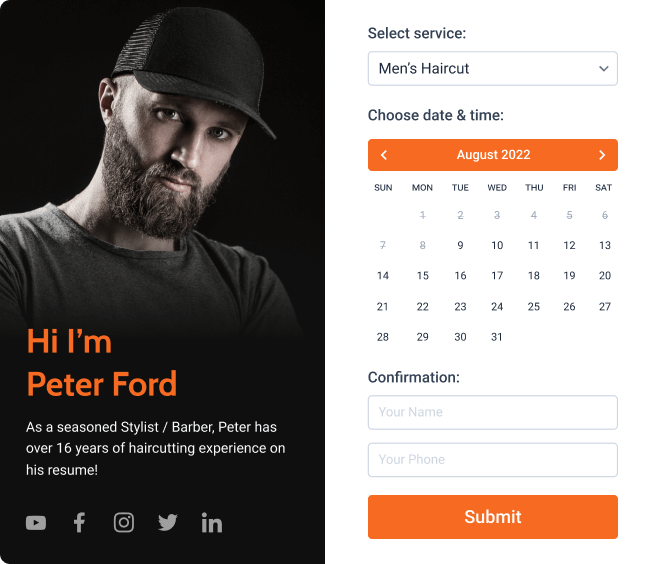
Barbershop

barbershop scheduling website

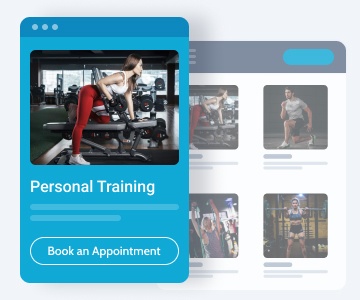
Sports/Gym

gym appointment booking website

Healthcare & Dental

medical appointment scheduling

Service Stations

service and repairs booking site

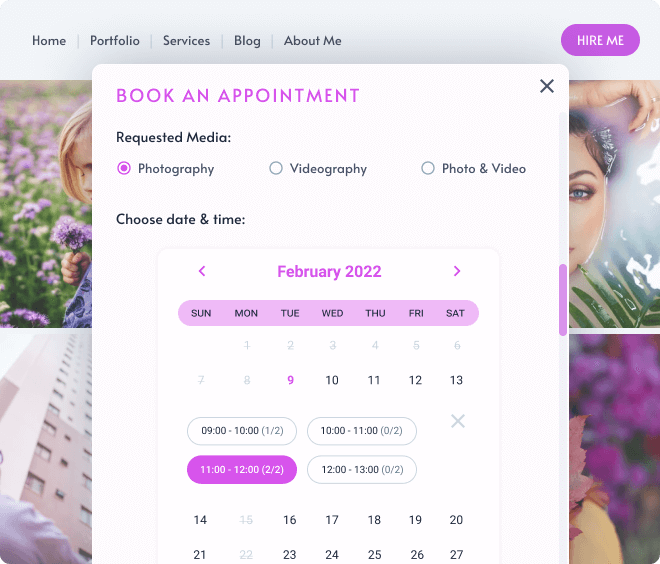
Photo Services

photo and video services scheduling

Law Consultancy

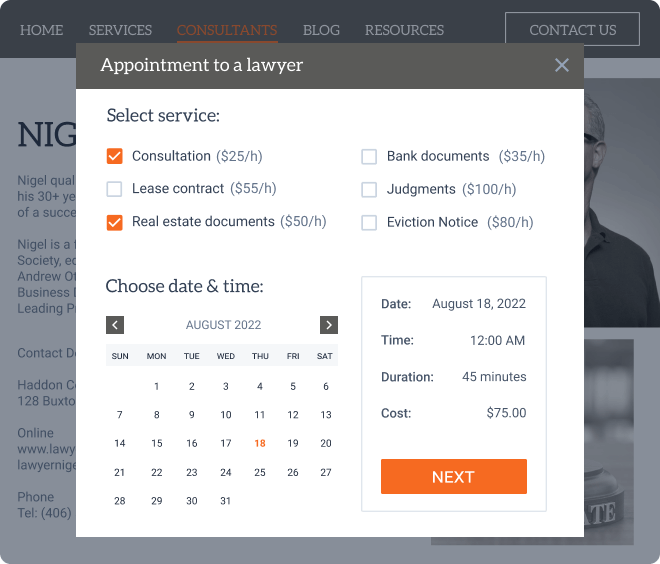
legal advice booking website

Hourly Car Rental

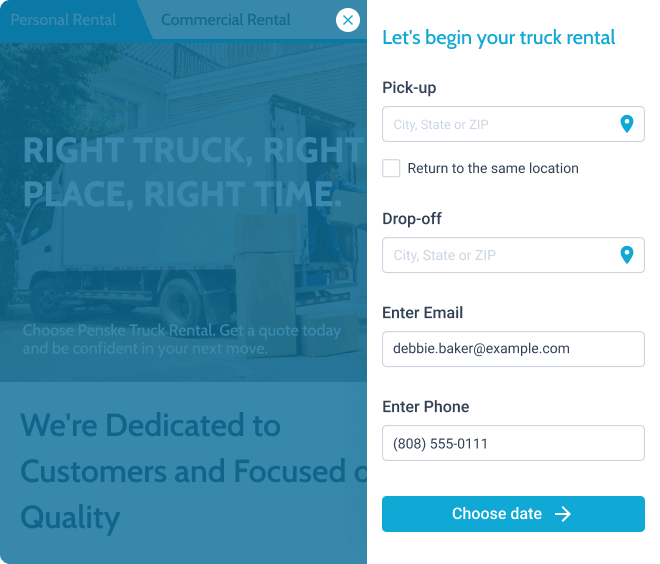
hourly car rental services booking

Want to offer services on a daily basis?

Create a FunctionalΒ Appointment BookingΒ Site

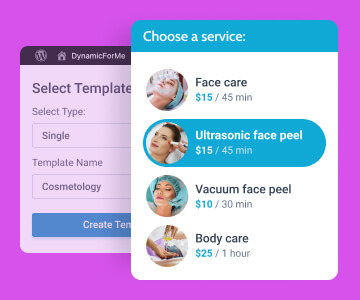
available services in the form

AddΒ servicesΒ and set up their provision terms

service providers in the form

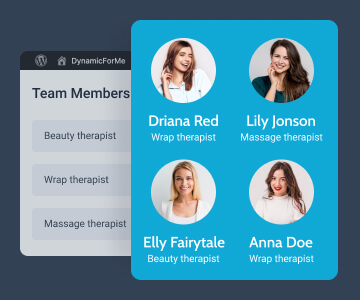
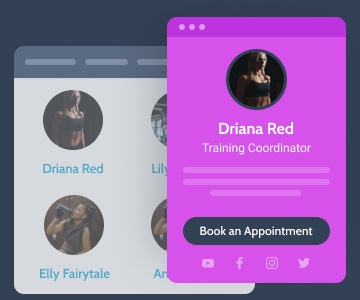
DisplayΒ service providersΒ and link them toΒ services

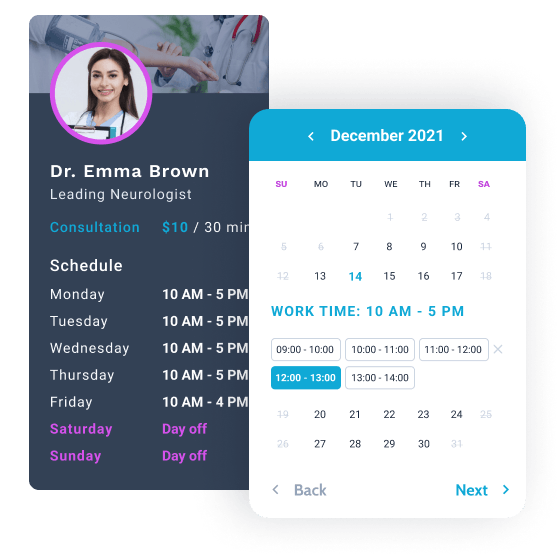
availability calendar

Set up theΒ serviceΒ booking through the availability calendar

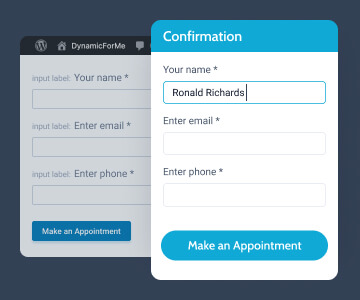
appointment booking form

Create aΒ booking formΒ adjusting post-submit actions

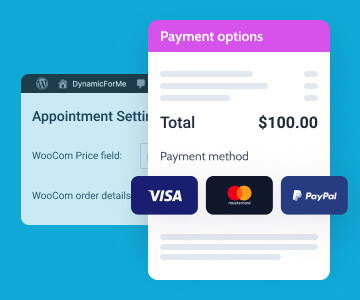
price calculation and payment methods

AddΒ payment optionsΒ to the payment gateway

third-party calendar services

Enable theΒ appointment remindersΒ instantly

JetEngine plugin

Make sure to install the JetEngine plugin.

JetAppointment can’t function without it.

Explore JetAppointmentΒ Options & Settings

provider’s schedule and service pricing

Complete the general appointment setup

Add the vital appointment details not a single form can do without – business days, working hours, days off, and the provided services.
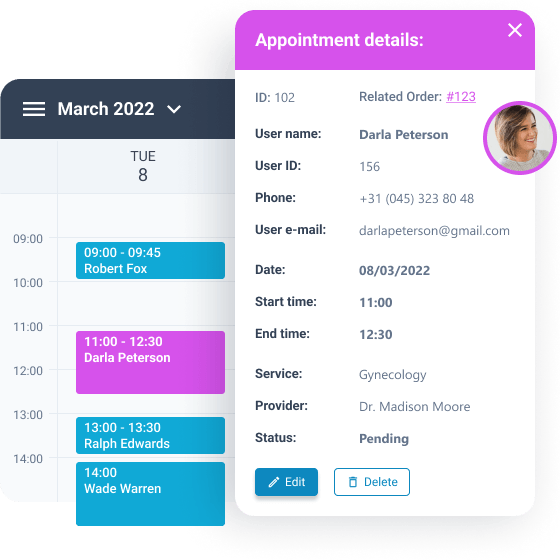
AddΒ holidaysΒ andΒ rest daysΒ to the schedule
Adjust the scheduleΒ for all services in one place
Use customΒ calendar labelsΒ for weekdays and months
ConfigureΒ individual service duration,Β price, etc.
appointment details on the back end

Adjust other
JetAppointment settings

Flesh out the appointment by indicating the between services, maximum capacity per certain services, and payment information.

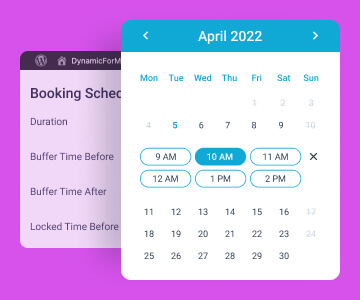
Arrange theΒ buffer timeΒ before/after the service sessions
Set the priceΒ per one time slot, hour, and even minute
Find all theΒ payment informationΒ in the special settings columns
Set theΒ maximum capacityΒ per any given service
zoom meeting confirmation email and participants

Schedule a Zoom call and use confirmation links

Users pick a vacant slot, and the appointment engine will book a Zoom video call and communicate all the details to participants via email.
Add and configureΒ Zoom APIΒ endpoint
AttachΒ Zoom meeting dataΒ to the appointment
Send aΒ confirmation URLΒ to the service provider by email
Manage scheduled Zoom meetings in theΒ dashboard
Create the appointmentΒ confirmation / cancellation links

Customize User Scenarios
for Smooth Appointment Booking

workflow event triggers and actions to run

Create Workflows for each appointment’s lifecycle stage

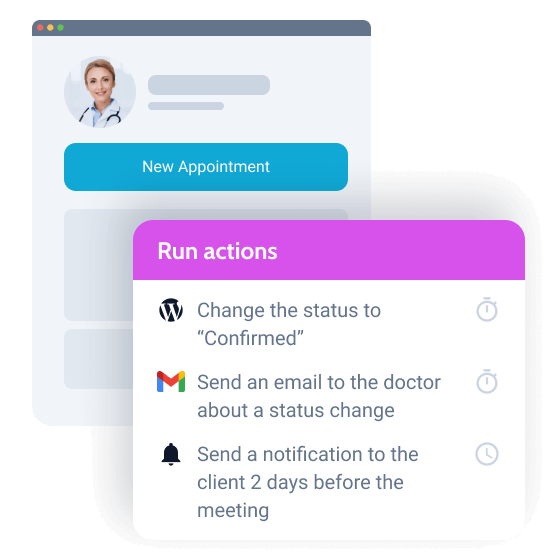
Configure different appointment workflows for sending confirmation emails, upcoming event notifications, confirmation/cancellation requests to service providers, and more.
Trigger the actionΒ on appointment creation/status change
Set workflowΒ actions to runΒ immediately/when scheduled
ConfigureΒ one/multiple workflowsΒ for the same appointment
Combine existingΒ actions into one setΒ to personalize UX
Create a uniqueΒ WorkflowΒ to cover a specific appointment routine
Allow Booking Appointments

from Different Webpages

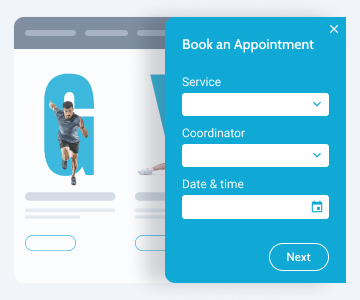
appointment booking form on the service’s page

Single service page

appointment booking form on the provider’s page

Single provider page

appointment booking form in the pop-up

Form in a pop-up

Appointment BookingΒ Schedule Types

Time picker

Allow customers to schedule appointments when they want and set their start/end times.
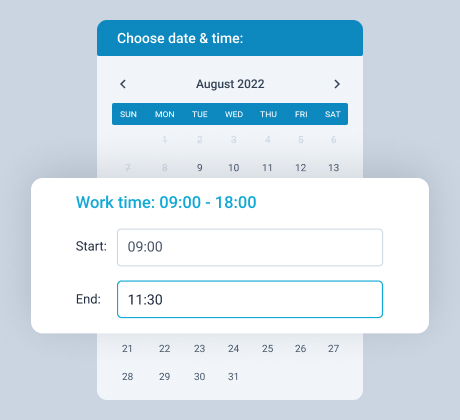
start and end times in the time picker

Fixed time slot

Set a specific time slot allowing the customer to book a service at a fixed duration and price.
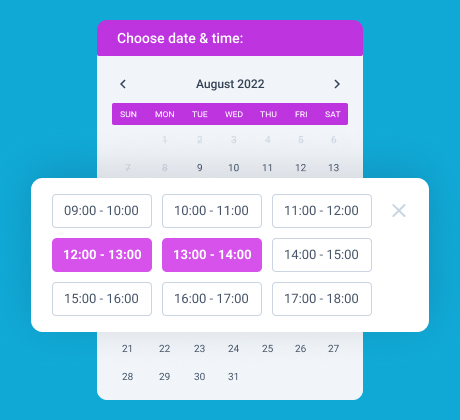
time slot in the service booking form

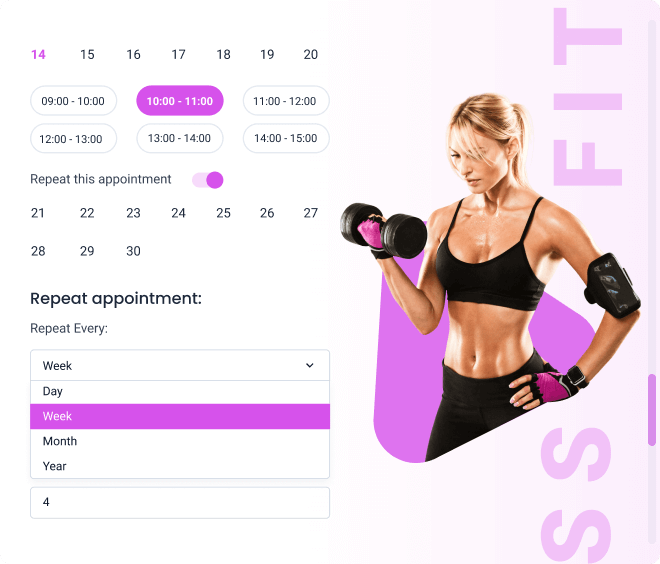
Recurring appointments

Make the appointment booking semiautomated. Users can choose to repeat the scheduled appointment every day, week, month, and year.
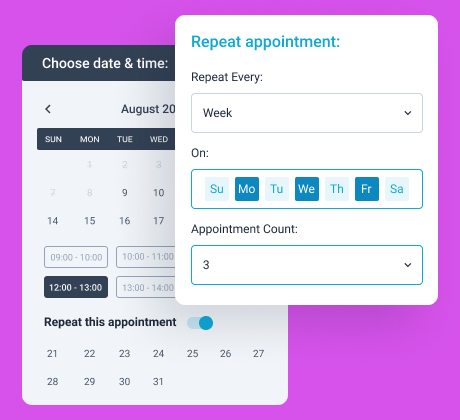
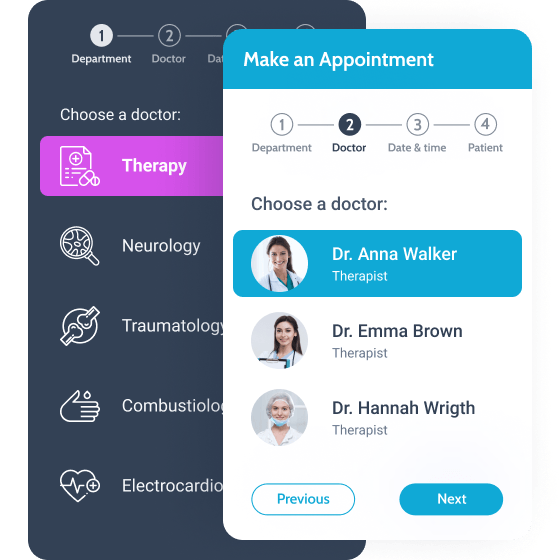
repeat the appointment feature

Discover Additional JetAppointment Features

Manual time input

Price per time unit

Multiple services & providers

Recurring option

Custom forms

Filterable calendar

Create & ConfigureΒ Appointment Booking Forms

multi-step appointment booking form

Extend the form
functionality

Combine the power of JetAppointment with the JetEngine plugin. It is fully packed with essential options and various style settings. Implement any to create a well-performing appointment booking system on WordPress.
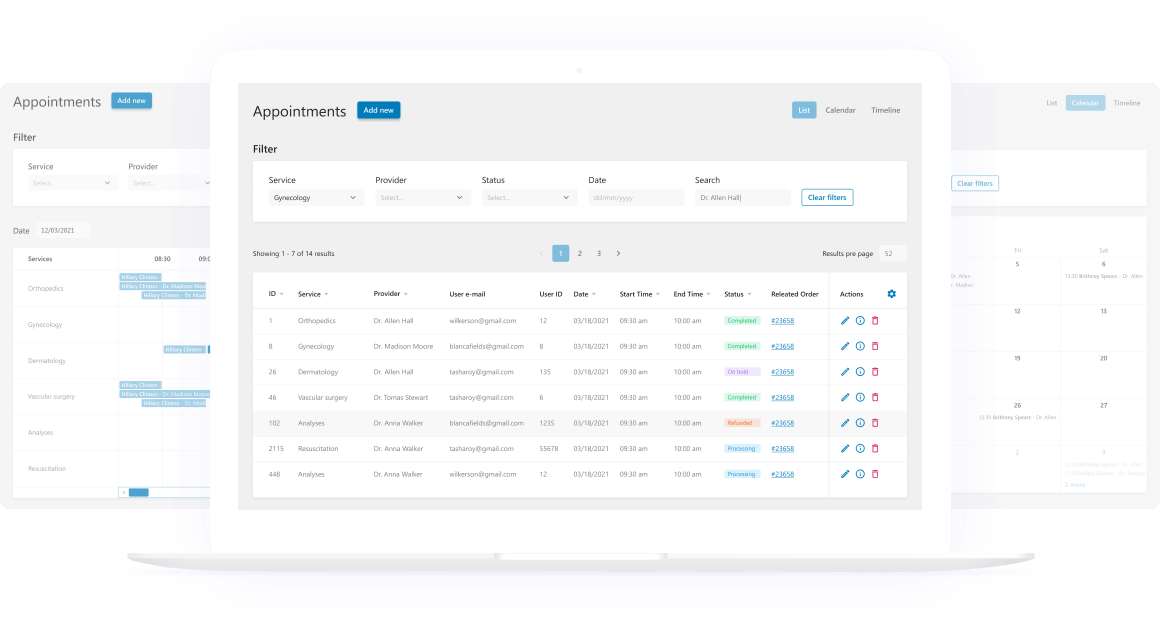
Display the appointments as aΒ self-explanatory listing
Mix and match theΒ field typesΒ to make each booking informative
UseΒ smart notificationsΒ to ensure the services are booked smoothly
Let clients book services right from theΒ single provider page
Create and apply customΒ templatesΒ to the Provider/Service fields
UseΒ page breakersΒ to create a multi-step form

Manage Appointments ViaΒ Clean Dashboard

appointments dashboard list, calendar, and timeline views

Add & edit appointments

View the essentials on every scheduled appointment, add new ones, edit their data, and delete them if necessary.

Appointment filtering & search

Filter the requests by Service, Provider, and Status. You can also search for appointments by Date and meta fields.

Different schedule layouts

Visualize the schedule as you please – decide between the JetAppointment’s List, Calendar, and Timeline views.

No MoreΒ InstallationΒ Routine

Enjoy a guided wizard. We arranged the easy steps for you: customize the services and providers, add new fields to the form (comments, phone numbers, etc.), set the company’s agenda, and get the ultimate premade layouts.
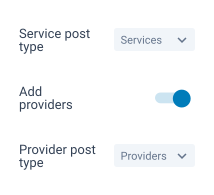

services and providers custom post types

Choose services & providers CPT

appointment database columns

Set required & custom DB columns

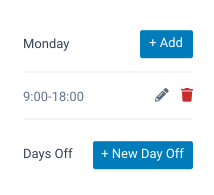
weekday schedule setup

Indicate working hours & days off

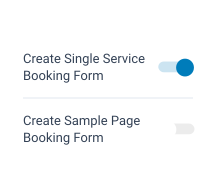
booking forms toggle

Configure additional settings

setup completed

Complete the setup & open settings

Integrate External Apps toΒ Automate Processes

Unlock all payment systems available from WooCommerce modules alongside third-party email services like Zapier and Integromat, Google Calendar, and more.


Logo Woocommerce
Logo Integromat
Logo PayPal
Logo Zapier
Logo Mailchimp
Logo Goolge Calendar
Logo Active Campaign
Logo Get Response

Browse Crocoblock-PoweredΒ Live Demos

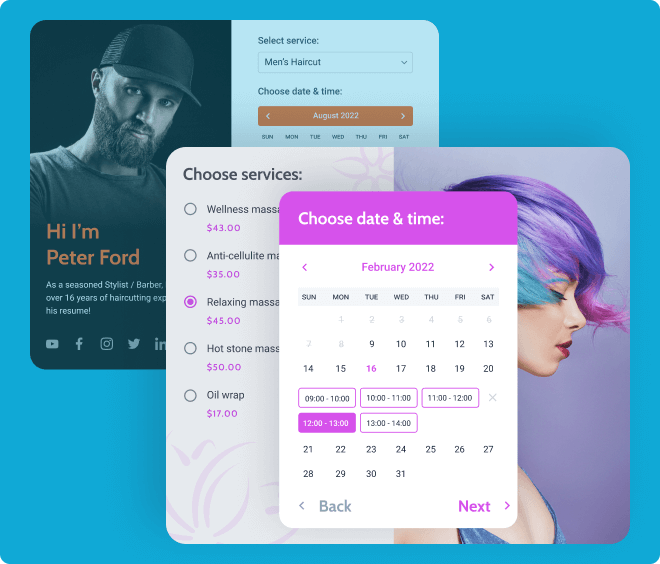
Once - spa appointment website template

Spa appointment

Make it possible to book any beauty & spa treatment online.

The core:

  • Therapist single & catalog pages

  • Treatment single & catalog pages

  • Appointment functionality

  • Multi-step booking forms

  • WooCommerce integration

View demo

Appointment functionality
vs.Β Alternatives

Compare the holistic functionality of the Crocoblock appointment
plugin to competitors feature by feature.

Learn more

Latest Release

Fluent Forms – The Fastest WordPress Form Builder

Original price was: Rs24,518.00.Current price is: Rs410.00. for 1 year

WizeStore – Multipurpose WooCommerce Shop WordPress

Original price was: Rs4,838.00.Current price is: Rs410.00. for 1 year

Chelsey – Portfolio Theme for Freelancers and Agencies

Original price was: Rs6,478.00.Current price is: Rs410.00. for 1 year

Minimo – Portfolio & Agency WordPress Theme

Original price was: Rs5,248.00.Current price is: Rs410.00. for 1 year

Customer Reviews

0 reviews
0
0
0
0
0

There are no reviews yet.

Only logged in customers who have purchased this product may leave a review.