A field-enriching tweak that adds color picker functionality to frontend forms.
JetFormBuilder Advanced Color Picker
Works with any WordPress theme
Add the ability
to select custom color swatches
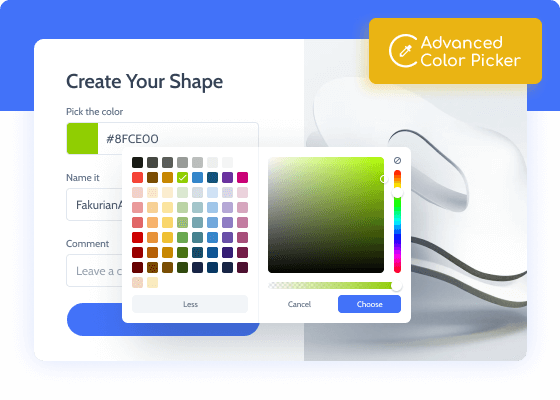
Advanced Color Picker compliments any form type and lets users pick custom colors in the form. It supports two main color formats – HEX and RGB. Thanks to the intuitive UI, it is pretty easy to select the desired color from either the palette or picker container. The addon allows determining the opacity level to get a highlight/lowlight shade of the parent color.
Addon Functionality:
Palette & Picker containers
RGB & HEX values supported
Color Opacity select
JetFormBuilder Advanced Color Picker
Advanced Color Picker Use Cases
JetFormBuilder Advanced Color Picker
User registration
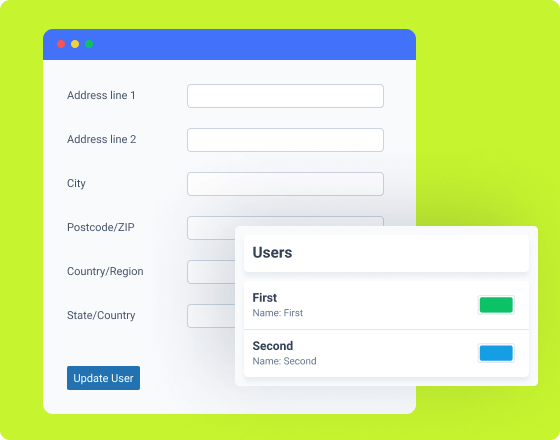
The Color Picker Field values can be added to User Meta and further used to visually frame this user’s posts and profile page.
Posts submission form
Looking to make your posts stand out visually? Add a Color Picker field to the form and set the font, section, and background colors.
Vendor application form
Add the Color Picker field alongside the essential company info fields and choose the corporate color for further use on this directory website.
Order submission form
Add a Color Picker field to the order form and let buyers decide on the color of the packaging and gift-wrapping materials.
Design request
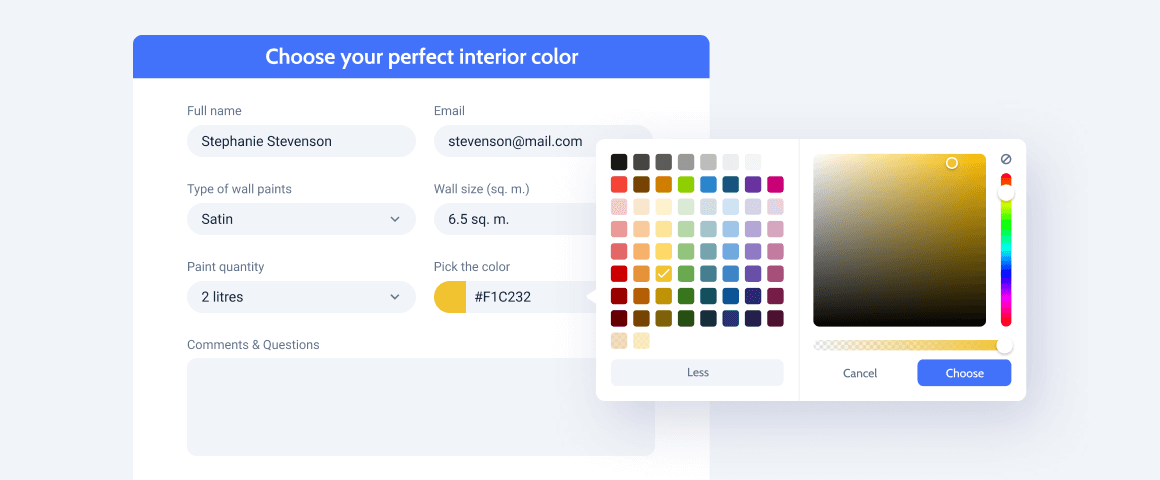
Choose the desired interior colors for your design projects and let the designer know which colors they should use the most.
Unlock All Addon Options
Use Advanced Color Picker
Activate/deactivate this toggle to switch the Advanced Color Picker options ON/OFF.
Value Format
This drop-down menu allows you to choose from 3 available options: no format, HEX, RGB.
Show Alpha (opacity)
Switch this toggle ON/OFF to enable/disable the opacity option for the Color Picker Field block.
How to Configure Advanced Color Picker
How to set up
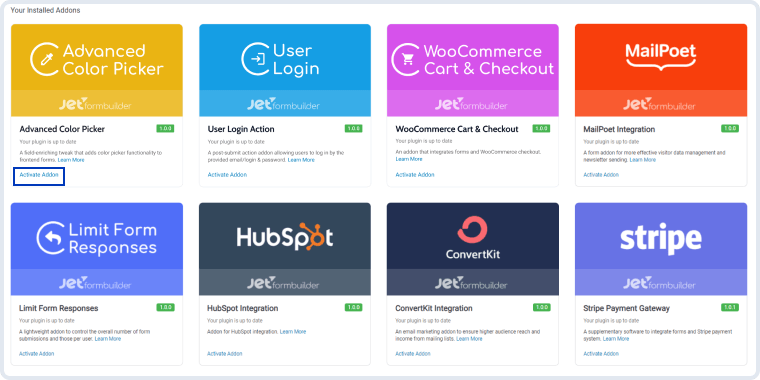
Go to JetFormBuilder > Addons and find the “Advanced Color Picker” addon in the All Available Addons section. Press the “Install Addon” button and, once installed, it will appear on Your Installed Addons. Next, click “Activate Addon” to get it ready for further work.
As you can see, all PRO version add-ons can be easily installed and activated via JetFormBuilder Dashboard.
After installing and activating the plugin, the new settings section will appear in the Color Picker Field block’s settings.
Advanced Color Picker Settings
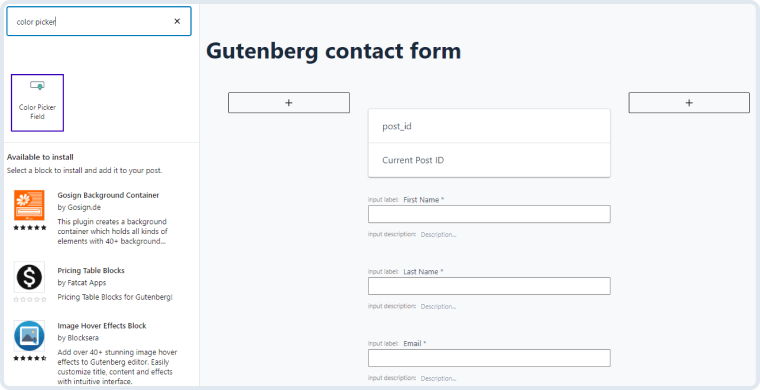
Advanced Color Picker modifies the existing Color Picker Field block; therefore, the new settings are located in the Field Settings section. To find it, navigate to JetForms > Forms and click to edit one of the created forms. If there are none, press the “Add New” button and build a form. Next, click on the plus-shaped button in the upper left corner of the page editing window. Type “Color Picker Field” in the Search bar and drag-and-drop this block to the desired area.
JetFormBuilder Advanced Color Picker
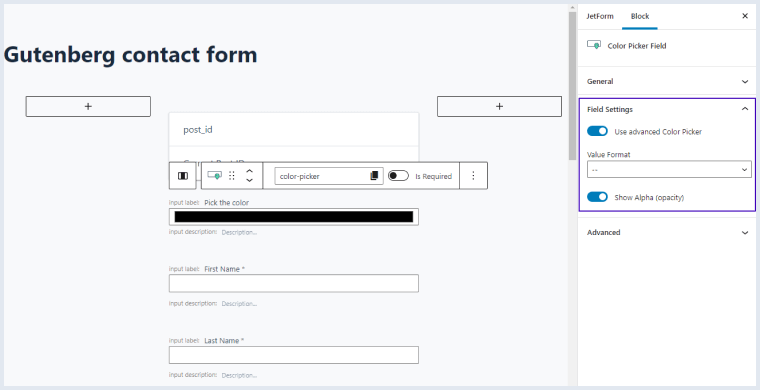
In the right-side menu, you will see the Field Settings section with several new settings. Let’s have a closer look at them.
JetFormBuilder Advanced Color Picker
Use Advanced Color Picker. This toggle switcher allows you to enable/disable the advanced color picker functionality;
Value Format. This drop-down list stores the available formats of the return value. There are two options here – “HEX” and “RGB.” The difference between these two options is the used color code. HEX returns a 6-figure value, whereas RGB uses a combination of three numbers. You can use either one of them unless you work with JetEngine meta fields. In this case, the HEX format is preferable;
Show Alpha (opacity). This toggle lets you activate/deactivate the switcher that can be used to adjust the color opacity level.
Tip:To make sure that the color chosen by the user upon registration is added to their metadata, you’ll need JetEngine. First, create a Meta Box for Users and add the Color Picker meta fields to it. Next, link these meta fields to the corresponding Color Picker fields of the form itself. You can find the fields in the User Meta section of the post-submit action editing window.
 🔑 Software keys sent via WhatsApp or E-mail within 24 hours (1 Day) ! ⏳ If not received, Contact us! ! 📬


 Recently Updated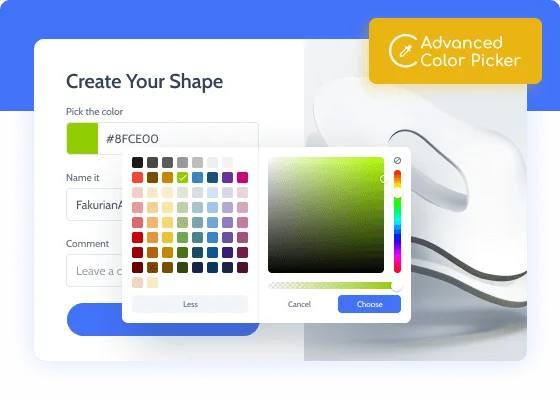



Reviews
Clear filtersThere are no reviews yet.