 🔑 Software keys sent via WhatsApp or E-mail within 24 hours (1 Day) ! ⏳ If not received, Contact us! ! 📬



 Recently Updated

Monarch
The Best Social Media Sharing Plugin For WordPress

Monarch
Take Social Sharing to the Next Level with Monarch. A Social Media Plugin with Style

Increased Sharing

Better Design

More Locations

Lightning Fast
Social Sharing
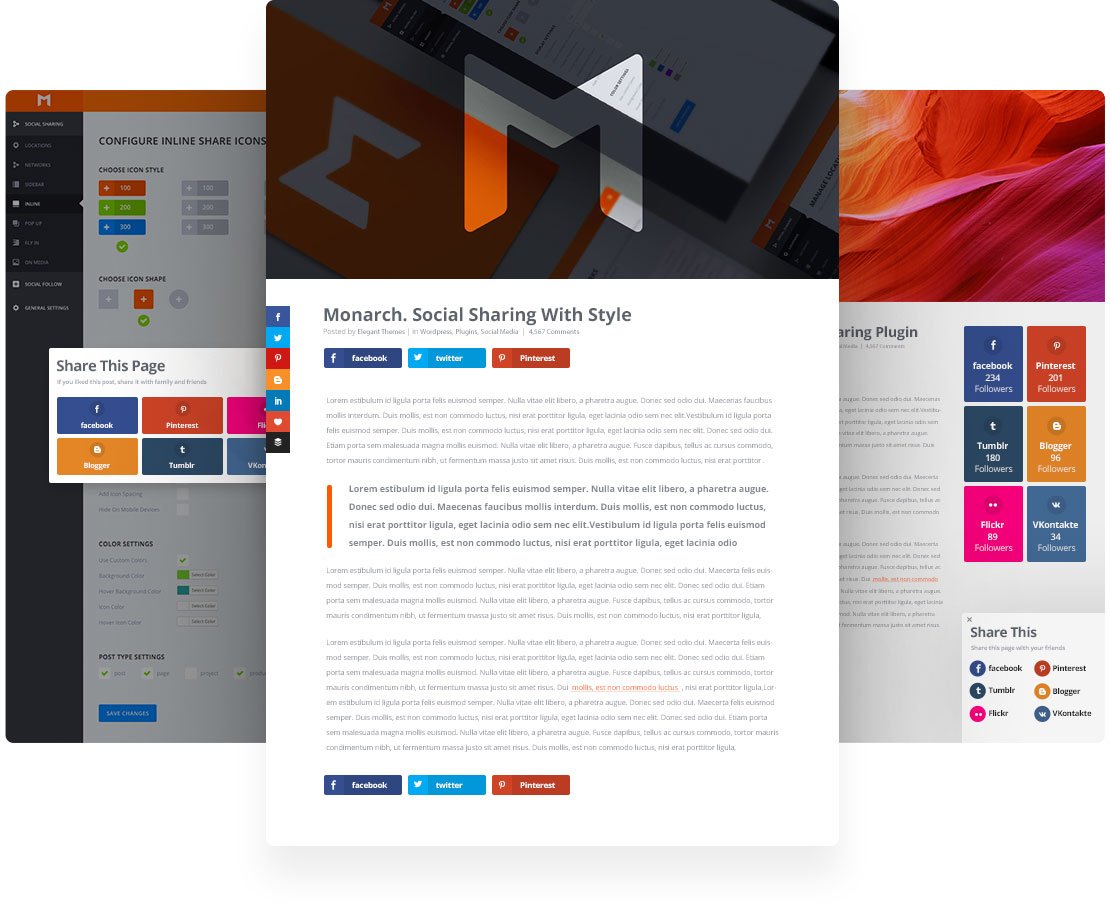
Over 20 Social Networks to Choose From
Social Media is the lifeblood that keeps the internet glowing. Social Sharing lets you harness that activity and use it as a positive force for your business. Choose from more than 20 social sharing networks to display on your website to create a custom collection of sharing options for your visitors.

Add Sharing Buttons in 5 Different Locations
Different websites, pages, and posts have different social sharing needs. That’s why we’ve included a large selection of locations you can choose to place sharing buttons.
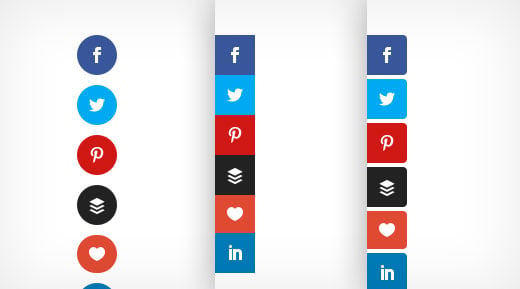
Floating Sidebar
A floating sidebar is a very common, effective, and sleek way to add social sharing icons to any page on your website. We’ve even included unique hover styles for the vertical and browser edge orientation of a social sidebar.
Above & or Below Content
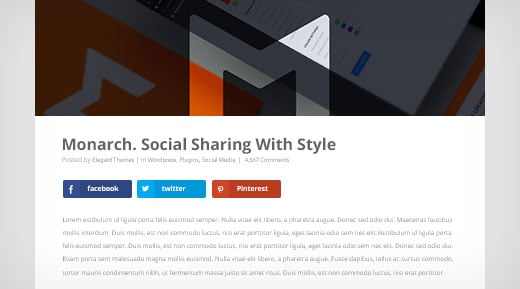
Perfect for blog posts and content heavy pages, Monarch allows you to place sharing buttons either above the content area, below the content area, or in both locations.
On Images & Videos
Media is arguably the most shared content on the web and Monarch makes media sharing even easier. When users hover over media elements within your content social sharing buttons fade in for quick and easy sharing.

Automatic Pop-Ups
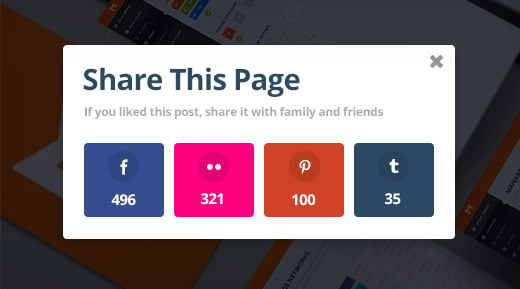
Monarch lets you create automatic sharing pop-ups that can be triggered by timed delays, such as when a user reaches the bottom of a post or page and even upon leaving a page. These are incredibly effective.
Automatic Fly-ins
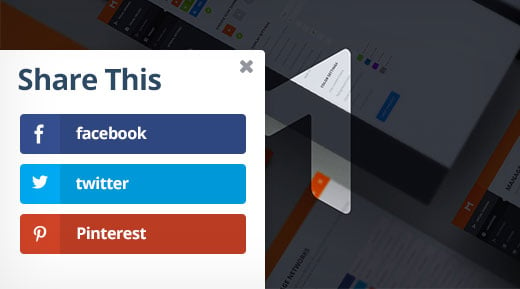
Similar to triggered pop-ups, fly-ins are another great way to grab your readers’ attention when they are most engaged. These can also be triggered by time delays, page location, or when the user’s mouse is leaving the page.
Pop & Fly!
6 Automatic Pop-Up & Fly-In Triggers
Pop-ups and Fly-ins can be triggered by unique user interactions. This allows you to capture your visitors’ attention when they are most engaged or when they are in danger of leaving your page.
Timed Delay
Choose a timed delay for your pop-ups and fly-ins so that they trigger after your readers have been on a page for a specific duration of time.
Bottom of Post
Let Monarch auto detect when your readers reach the bottom of a post or page and give your readers a friendly reminder to opt-in.
After Commenting
Displaying opt-in forms to readers after commenting on a post or page is a sure way to target visitors who are clearly engaged with your content.
Upon Scroll
Use this trigger to display your opt-in forms only after a visitor scrolls a defined percentage of the way down your page.
After Purchasing
Offer updates on future products and promotions by triggering an opt-in form for purchasing visitors right after the checkout process.
After Inactivity
If a user is inactive on your page for too long, Bloom can be triggered to re-catch your visitor’s attention with a pop-up or fly-in.
Display
Build & Display Your Social Following
Letting your users see your social networks profiles, follow counts, and easily become a follower is more than important for any business or individual. Monarch makes all of the above possible with just a few easy settings.
Over 35 Social Networks to Choose From
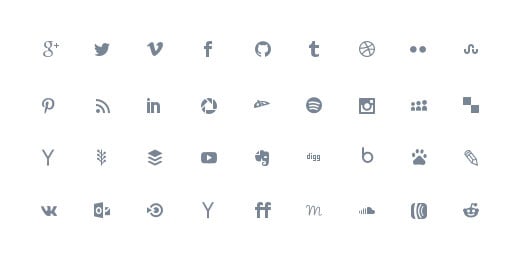
Monarch lets you choose from over 30 social profiles and networks. Just supply your profile URL’s and Monarch will display the network icons and even dynamically pull your existing follow counts if desired.
Place Follow Buttons in any Widget Area or Display With a Shortcode
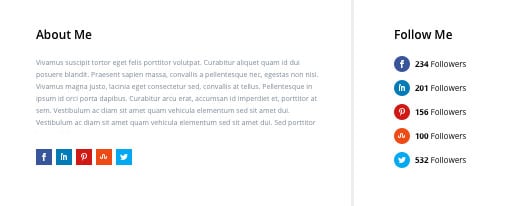
Displaying social follow links within your content is as simple as generating and pasting a shortcode within your content. Placing this shortcode inside of a Divi Text Module is a perfect way to take advantage of this feature.
Customize
Clean, Customizable Design
We know that implementing plugin elements into your site can appear tacky and out of place, so we packed Monarch full of design options for seamless design integration.
Choose Button Shapes, Colors, & Hover Effects
Monarch offers 3 button shapes, 5 sidebar button hover effects, and 4 inline button hover effects. Combining these appearance options allows you to fit your social icons perfectly into the design of your theme.

Display Network Names & Social Counts
For a more robust social link, you can display the network names and or the individual or total share or follow counts. No matter what information you choose to display, your social links will look great.
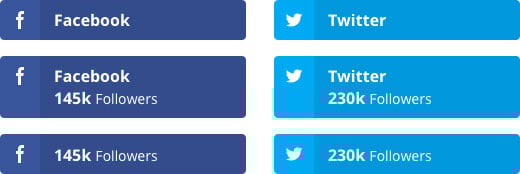
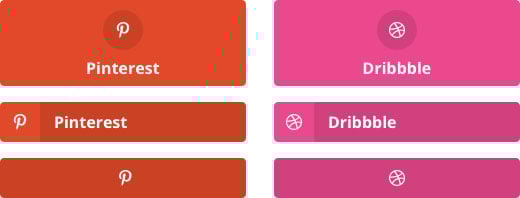
Pick Your Icon Orientation
Being able to display the social network icon above or to the left of your share counts, follow counts and/or network name doubles the design opportunities available to you. Whether you are displaying your icons in a more vertical or horizontal orientation, this option lets you take advantage of the space.
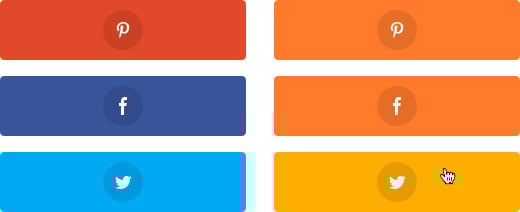
Use Native Network Colors or Pick Your Own!
By default, the button colors will be that of the native colors of each social network. For a more custom appearance, you can pick custom colors for the button and icon colors for both before and on hover.
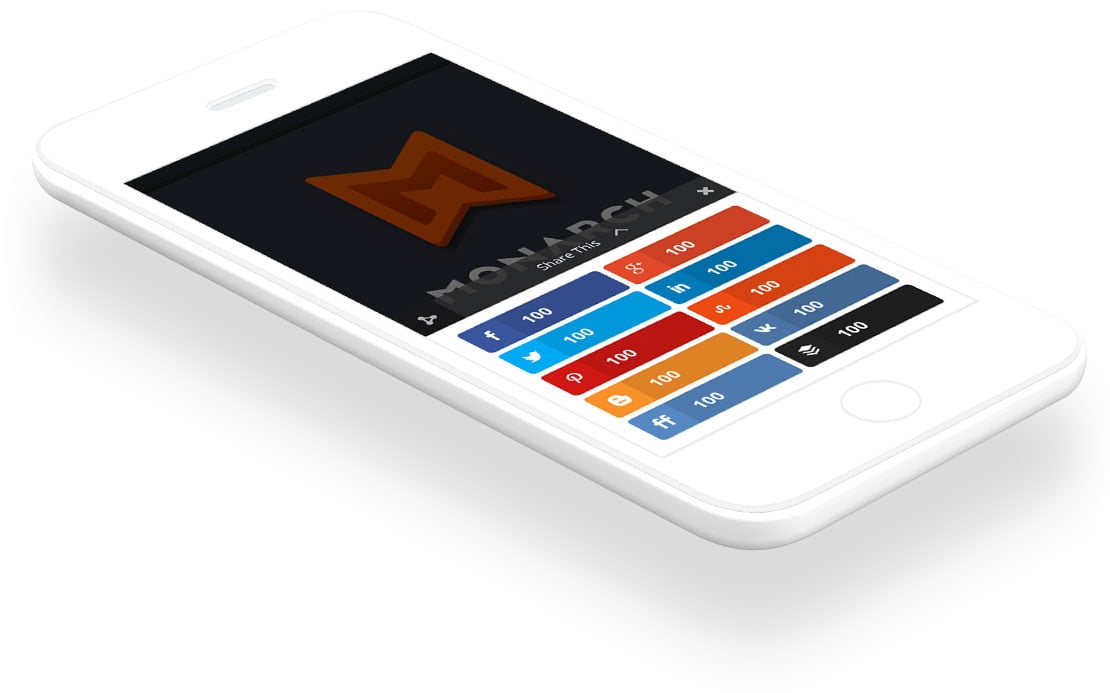
Mobile Friendly
We know that your opt-in forms need to be readable and accessible from all devices, allowing visitors to opt-in no matter how they are viewing your site. Monarch’s opt-in forms and dashboard are fully responsive and look great all the way down to even the smallest mobile devices and highest resolution screens.
Manage
The Monarch Dashboard
Setting up and managing your Monarch settings is anything but complicated. We’ve created a custom panel in the WordPress dashboard for easy and intuitive access to your Monarch settings, stats, and data.
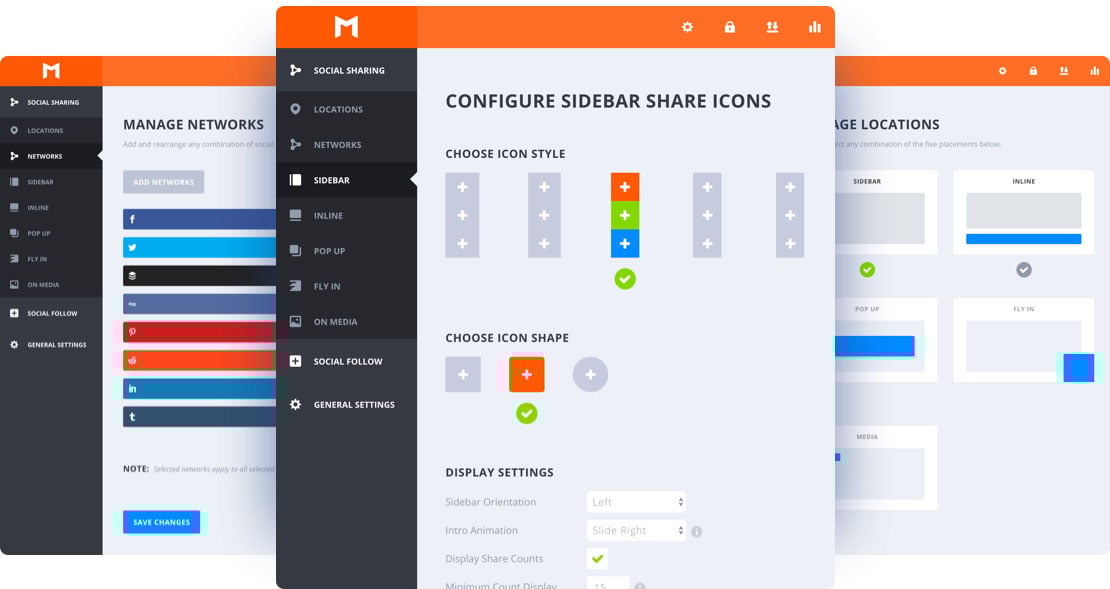
Configure All of Your Display Settings
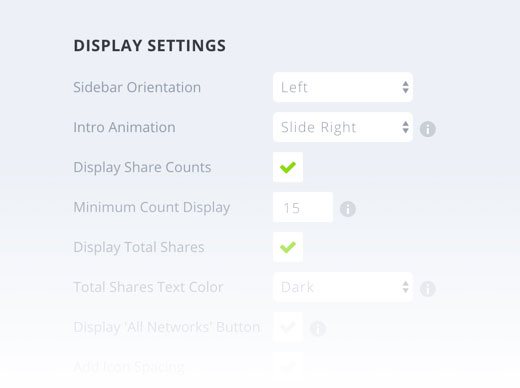
In addition to basic appearance options Monarch also lets you refine your display settings to fit your every need. Lazy loading animations, share count display minimums, and column structures are just a few of the things you can control.
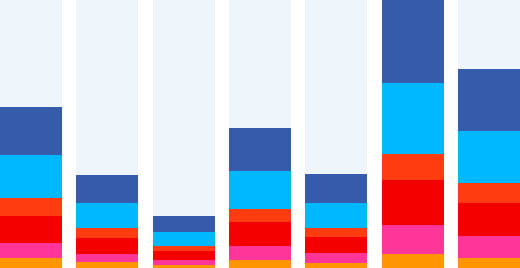
Check Your Statistics
An overview of your Monarch statistics can be accessed at any time via the dashboard. Just click the stats icon in the upper right for statistics around your shares, follows, and likes.
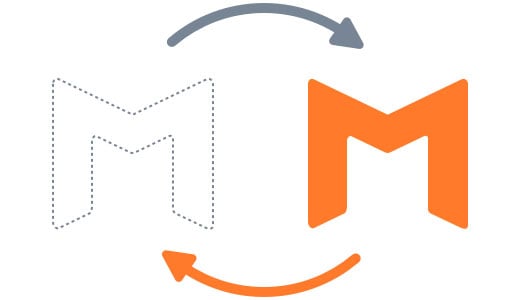
Import and Export Monarch Data
If you have multiple websites that you want to display similar Monarch configurations on, you can quickly and easily import and export Monarch settings from one WordPress site to another.


Reviews
Clear filtersThere are no reviews yet.