

Fluent Forms - The Fastest WordPress Form Builder
Original price was: US$299.00.US$4.99Current price is: US$4.99. for 1 year

Basic Membership
US$9.99 for 1 month
 Recently Updated Well Documented
Sale


This is a fantastic solution if your store is selling one-off, heavy or large products which require additional shipping, unlike the rest of your catalog, or if you only have a few products with set shipping fees.
- Add costs to the other shipping methods, or used as a standalone shipping method.
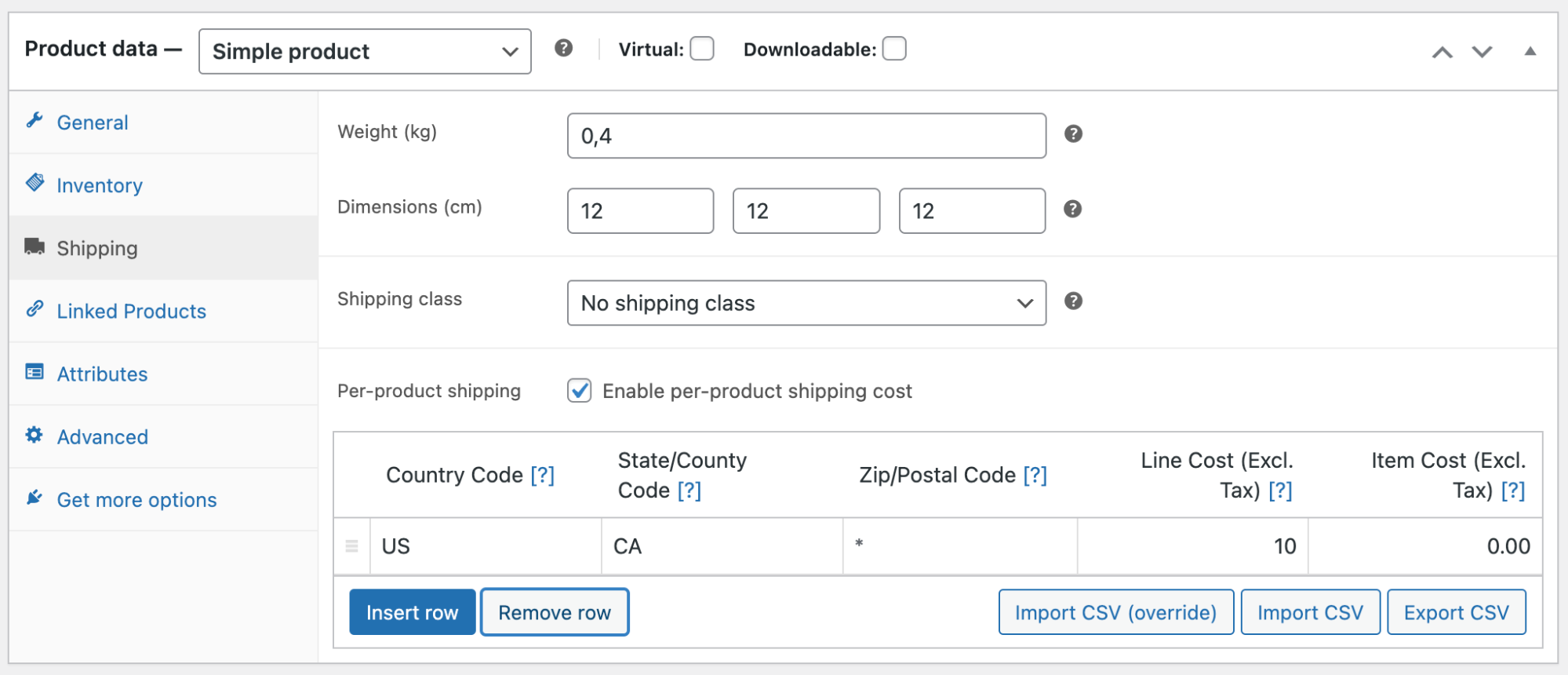
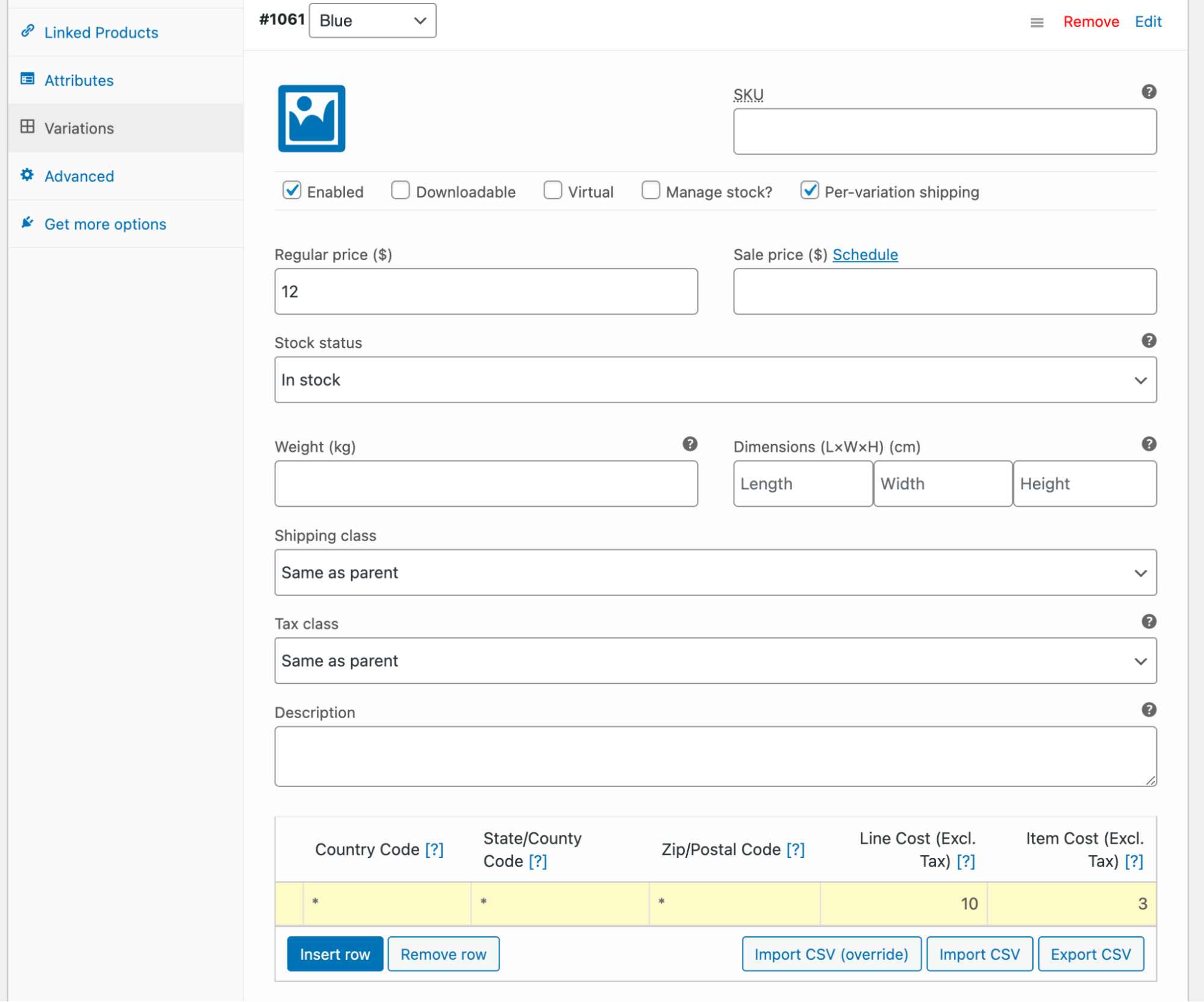
- Define line and per-item costs per product or per variation.
- Define different shipping costs for products, based on customer location.
- Import and export rates via the built-in simple CSV handler.
- Use as a standalone shipping method, where the final cost is the sum of all product costs.
- -or- add per-product costs to other shipping methods
How Per-Product Shipping can be used
Per-Product Shipping can be used in two ways:
- Multiple Shipping Methods: If enabled, rates can be applied in addition to your other shipping methods. For example: If your store offered a bulky product that you wanted to set up with extra shipping fees, you could create a fee to be added to that specific product. If you had multiple items in your cart, two kinds of shipping would be represented in one cost — a) your default shipping costs for the other items in the cart, and b) the shipping cost of the bulky item.
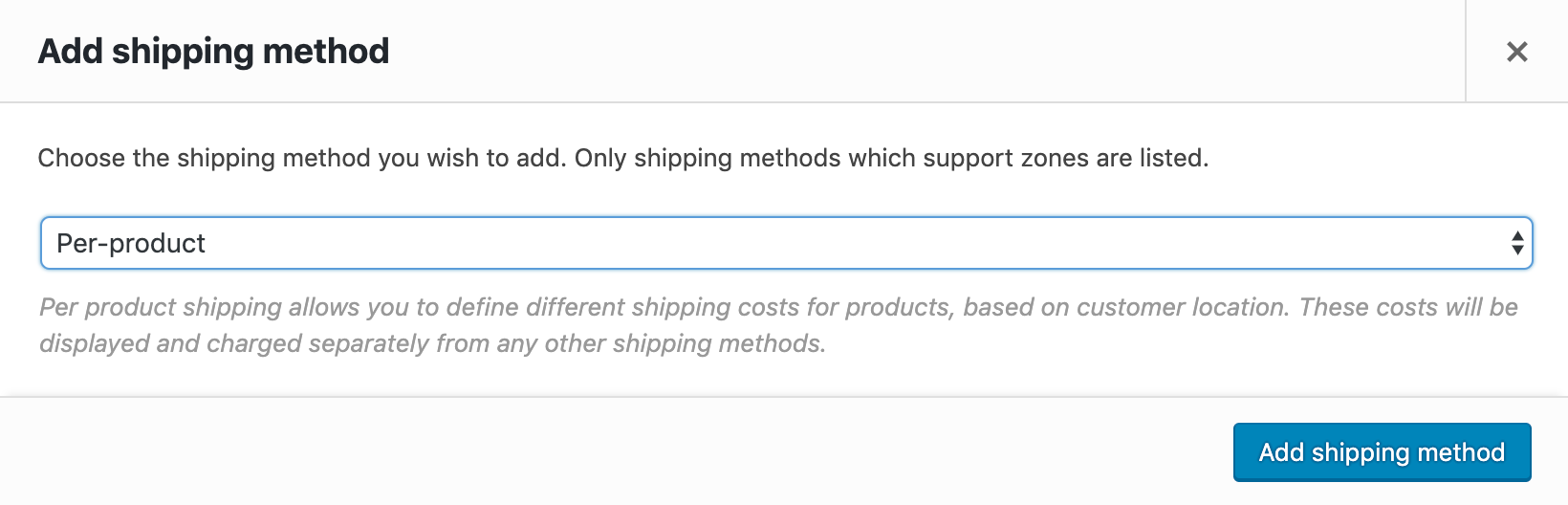
- Standalone Method: In this scenario the ‘per-product shipping’ is the default shipping method. In this case, all product costs are added together to form a single rate. When the Standalone method is chosen, no other shipping methods are offered.
 |
DocumentationNeed guidance? Check out the comprehensive documentation to learn everything you need to know about the Per Product Shipping extension. View documentation |
 |
Questions and SupportIf you have pre-sale questions or need help, get in touch with our friendly Happiness Engineers. Get support |
Latest Release

Fluent Forms – The Fastest WordPress Form Builder
Original price was: US$299.00.US$4.99Current price is: US$4.99. for 1 year
WizeStore – Multipurpose WooCommerce Shop WordPress
Original price was: US$59.00.US$4.99Current price is: US$4.99. for 1 year
Chelsey – Portfolio Theme for Freelancers and Agencies
Original price was: US$79.00.US$4.99Current price is: US$4.99. for 1 year
Reviews
Clear filtersThere are no reviews yet.