All-in-one digital toolkit. Premium WordPress themes, Shopify themes, plugins, templates & creative assets.




 Recently Updated

Toolset Types
Turn Fields into Columns
Effectively Manage Custom Types & Fields
Types is a popular WordPress plugin that allows you to customize the WordPress admin area by adding new content types, custom fields, and taxonomies. It’s a fantastic plugin that lets you extend the functionality of WordPress, but like most WordPress plugins it does not make it easy to digest all of the additional content you create.
Admin Columns resolves this issue by giving you more control over your overview pages. By doing this we greatly reduce the time you spend editing.
Support for all Types Fields
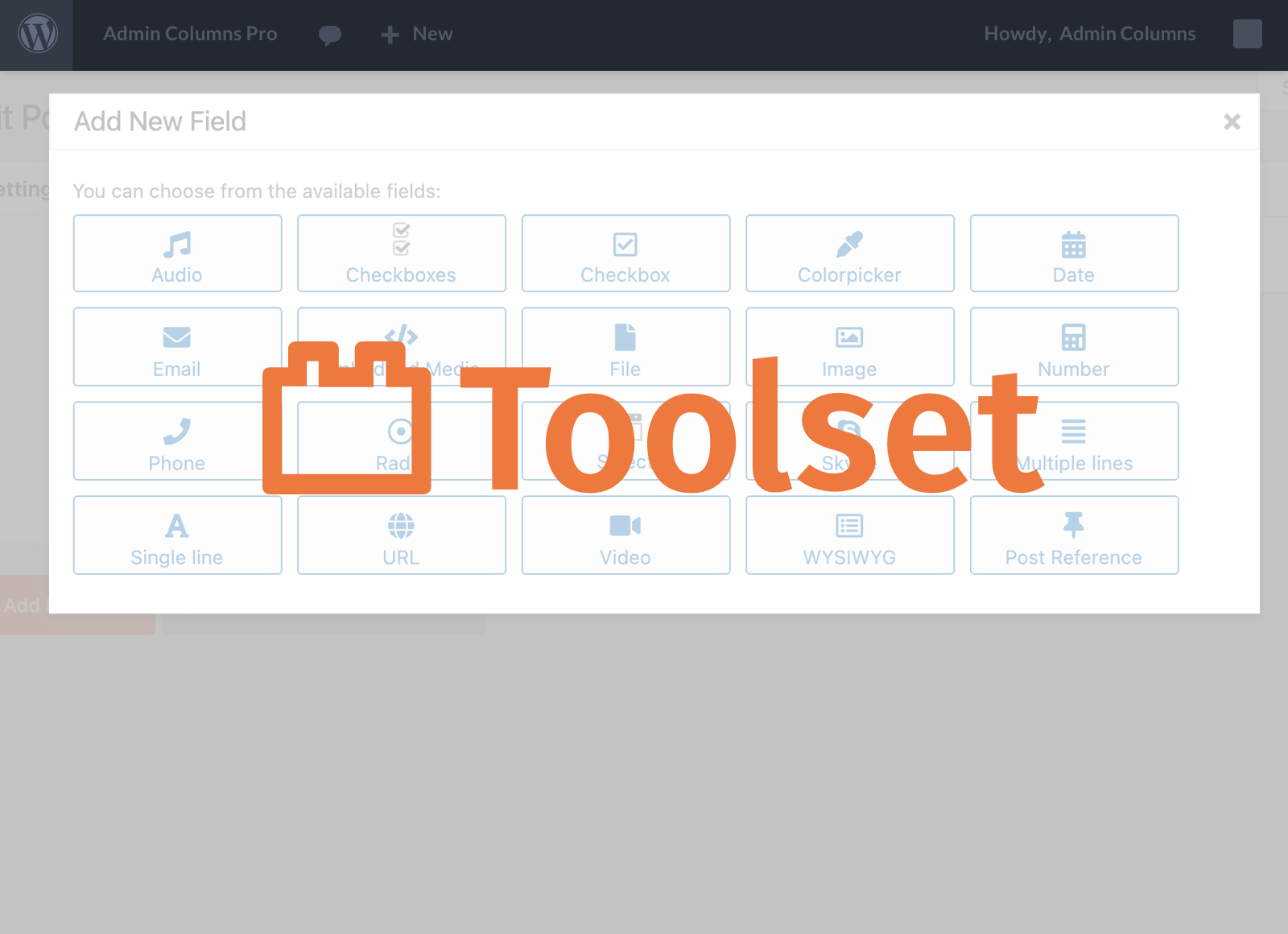
Admin columns integrates beautifully with Types. It has support for all post types and taxonomies. It also supports all types fields including posts, terms, users, and repeating fields.
Turn Fields Into Columns
Admin Columns gives you full control of your overview pages so that you can decide exactly what is shown and what is not. You can add columns for any of your custom types, fields and taxonomies.
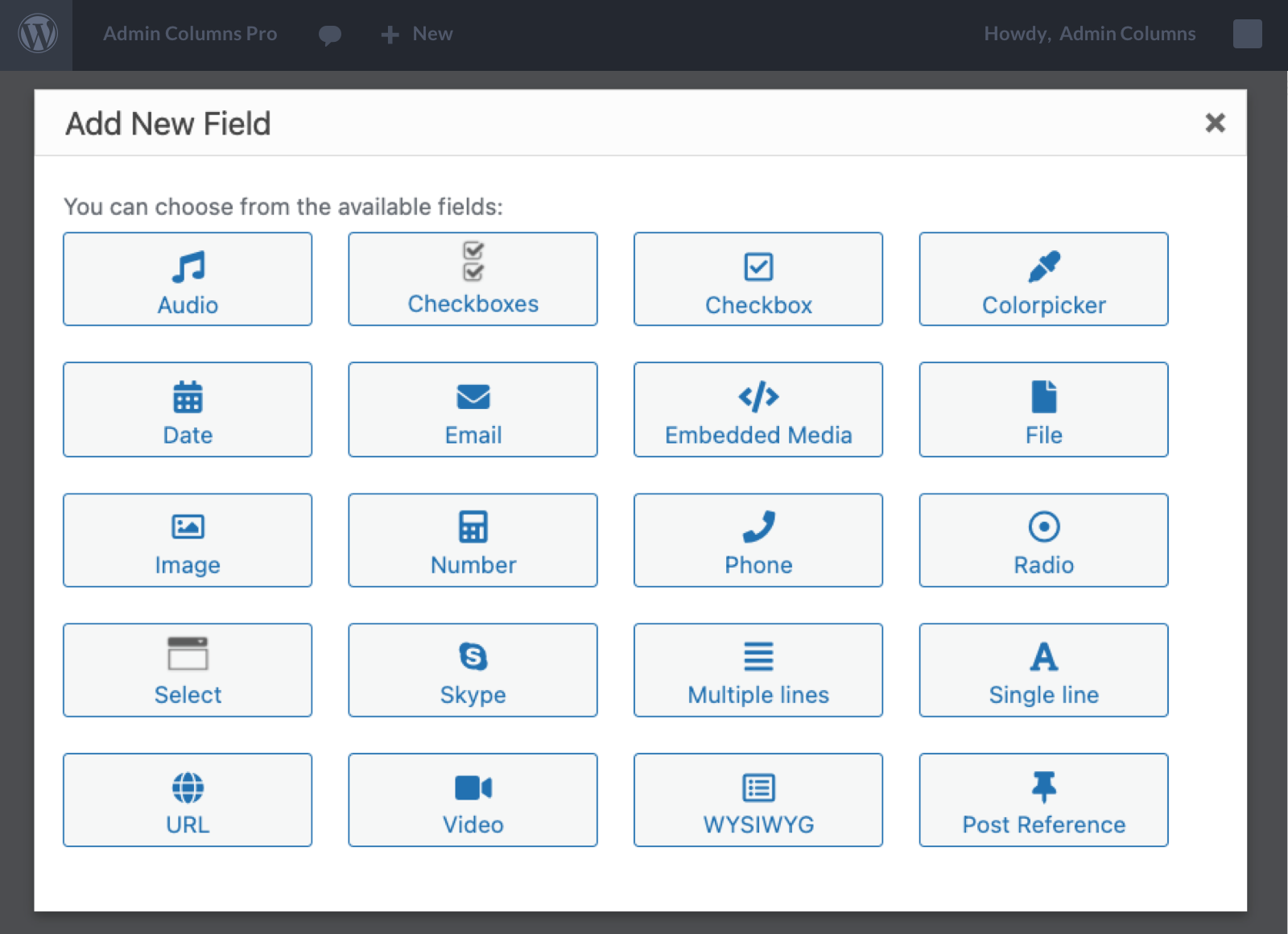
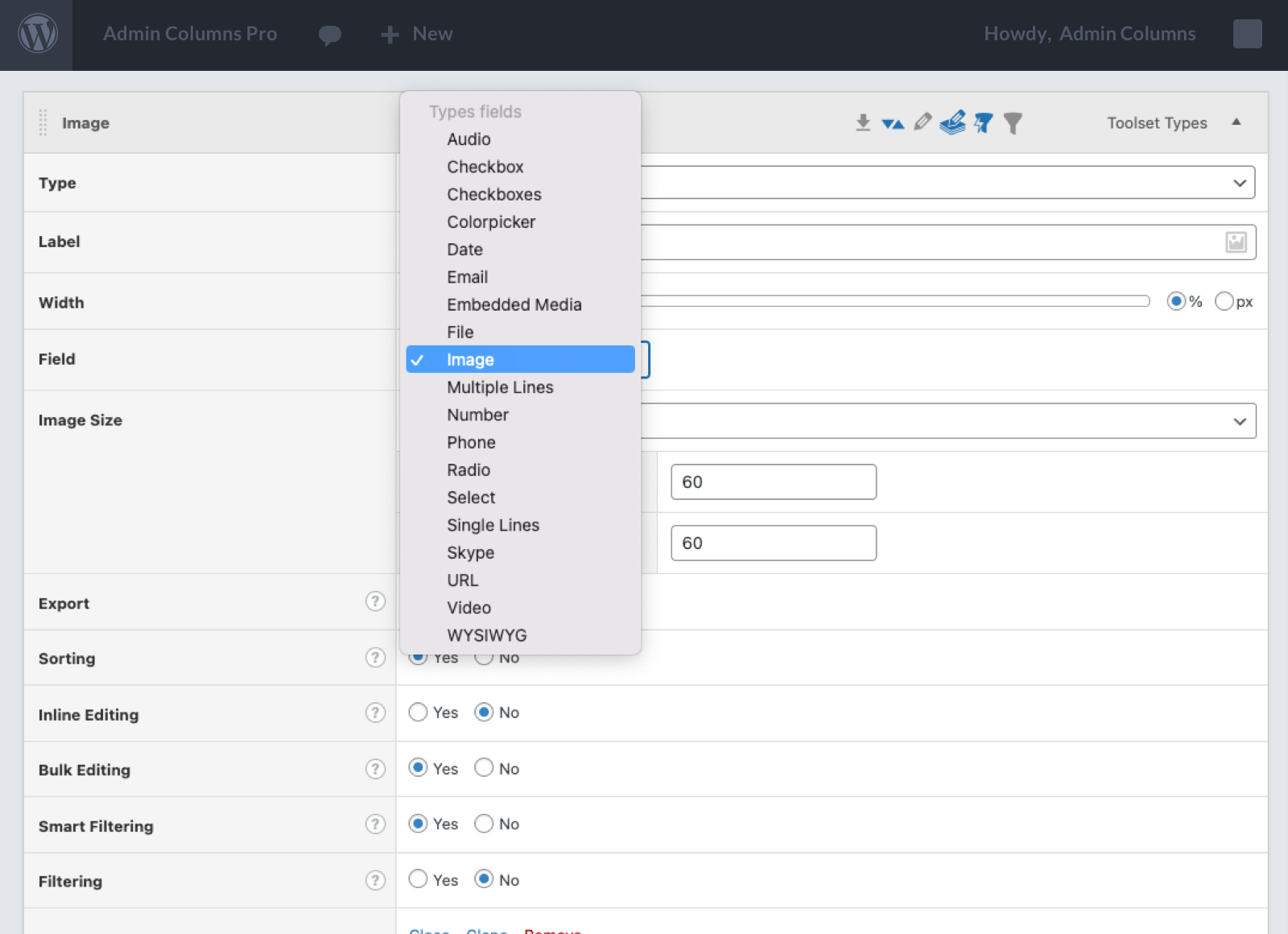
Each Types Field can be used as a column. The fields will be listed in the field type dropdown. Select the field and voila, your field is now visible in your posts overview.
Less time Editing
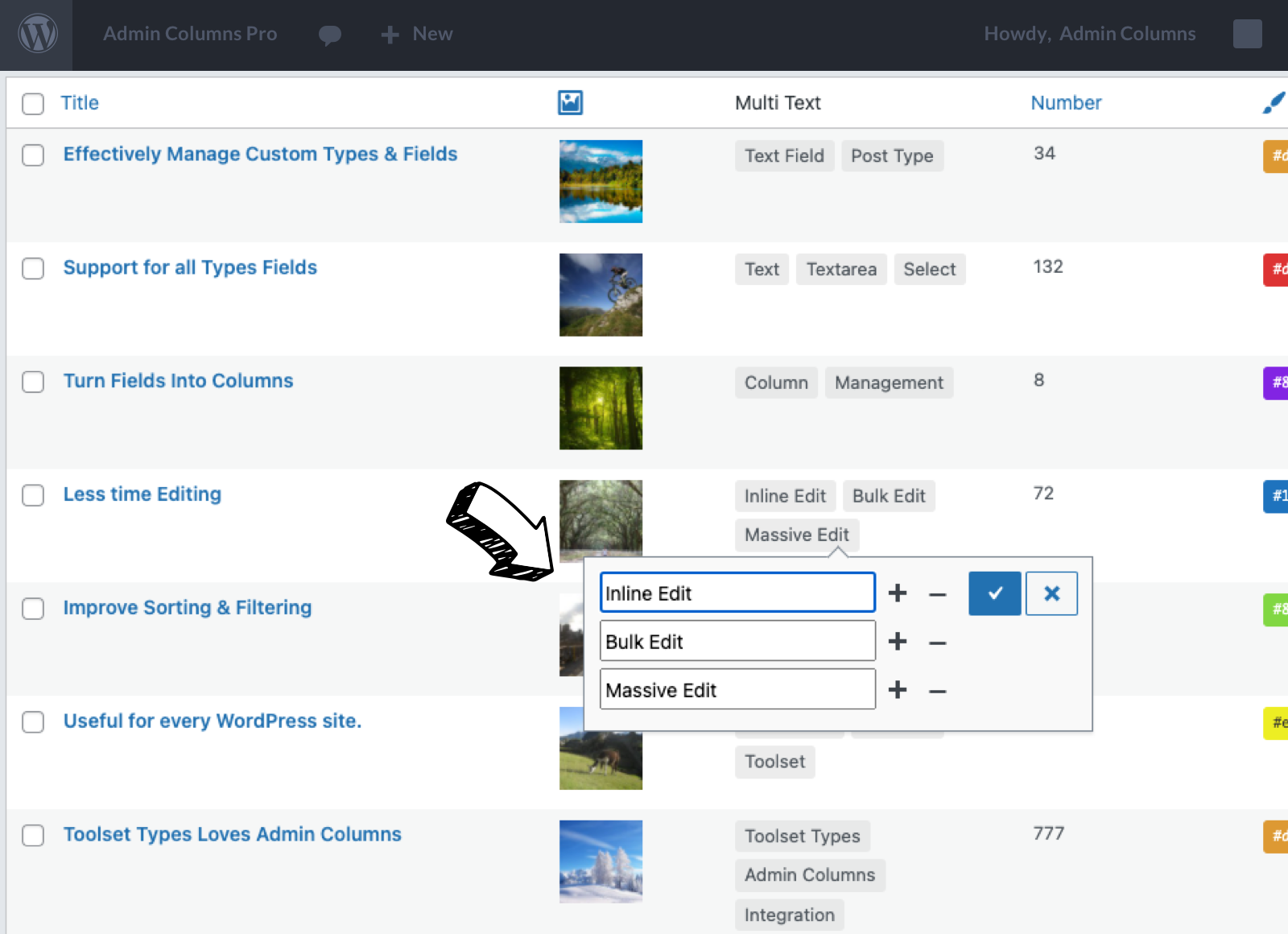
There is no need to access every single custom item you create in order to make changes on your website. With Admin Columns you can make thousands of edits on a single page with inline editing.
All you have to do is click on the “Inline Edit” button on an overview page in order to edit fields on the fly. This practical system of editing will save you a huge amount of time editing.
Improve Sorting & Filtering
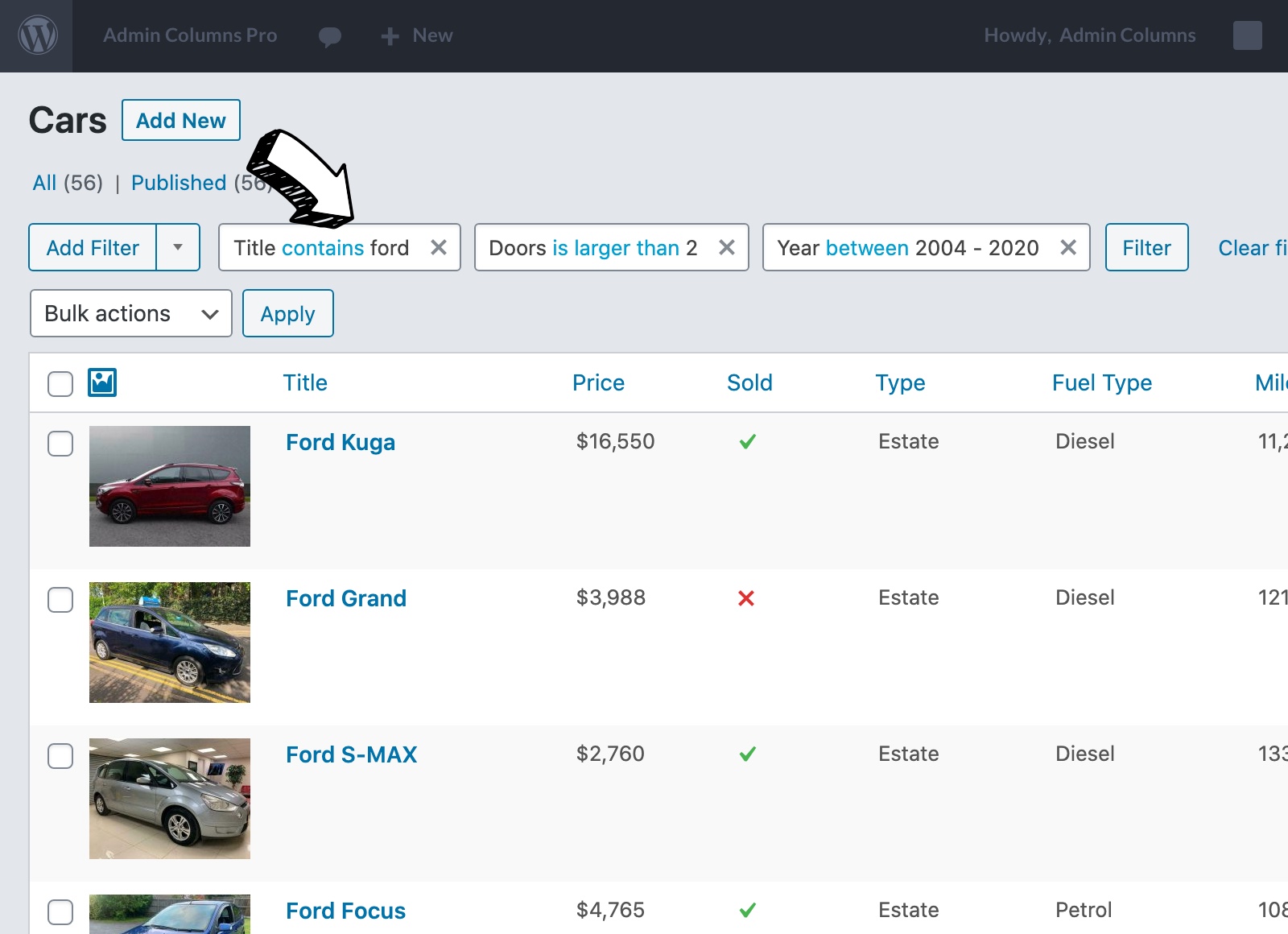
Are you finding it hard to find the information you need? Managing a large website can be difficult due to the volume of data that is available. With Admin Columns you can sort your data using any field you want. Simply add a field as a column and then sort using that column.
You can filter out the data you don’t need by removing those columns from your overview page. The order of columns can also be changed at any time using a user-friendly drag and drop interface.


Reviews
Clear filtersThere are no reviews yet.