All-in-one digital toolkit. Premium WordPress themes, Shopify themes, plugins, templates & creative assets.

User Login Field
Allows users to enter their user name or email address.



 Recently Updated Well Documented

A post-submit action addon allowing users to log in by the provided email/login & password.
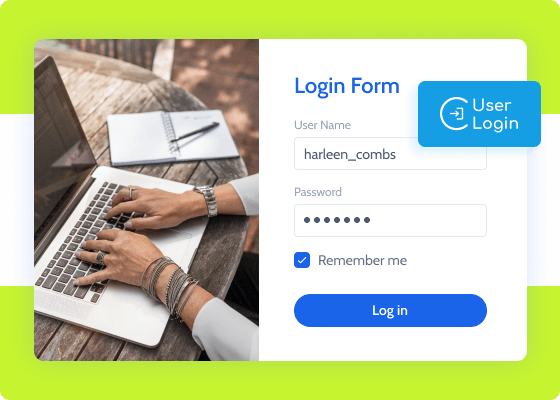
User Login Action is a JetFormBuilder addon using the standard authorization method. It allows you to identify registered users, let them log into the system, and reset passwords. Use Remember Me capability and secure cookies, too.
The addon is fit-for-purpose and works smoothly for e-commerce, membership, multivendor directory, and other website types. Link every form field to the corresponding function parameter and place the form on the Login page.
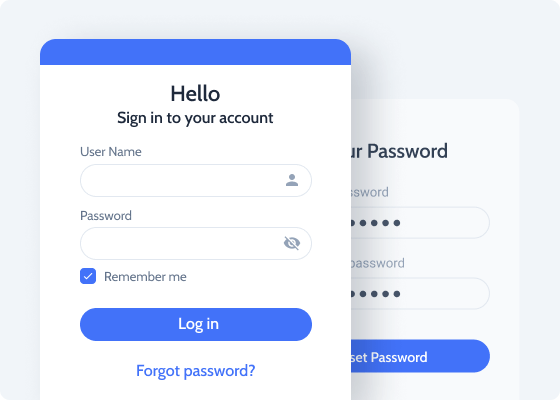
Allows users to enter their user name or email address.
Allows registered users to enter their passwords.
Outputs a button with custom text depending on the render state.
Outputs either two password fields or one login field as per the render state.
Use a Checkbox Field block here to make the form keep the cookie for two weeks.
Activate this toggle to secure the authentication for HTTPS-based websites.
Go to JetFormBuilder > Addons and find the “User Login Action” addon in the All Available Addons section to install the addon. Press the “Install Addon” button and, once installed, it will appear on Your Installed Addons. Next, click “Activate Addon” to get it ready for further work.
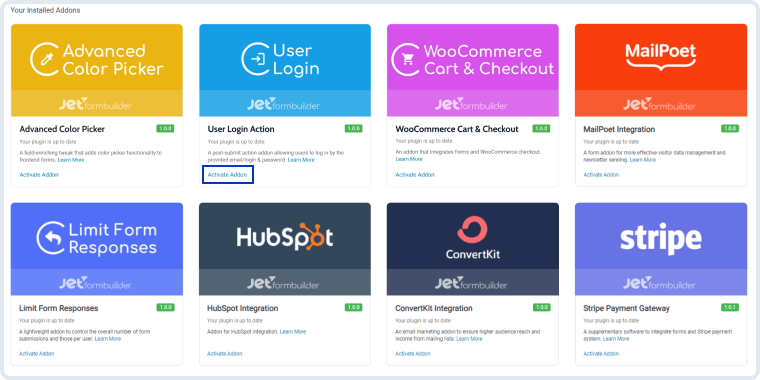
As you can see, all PRO version add-ons can be easily installed and activated via JetFormBuilder Dashboard.
After you finish installing and activating the plugin, a new action called “User Login” will appear in the Post Submit Actions section.
Navigate to JetFormBuilder > Forms and open the created Login form of yours. If you do not have any, create one. Open the Post Submit Actions section in the right sidebar, press the “New Action” button, and pick the “User Login” option in the drop-down list.
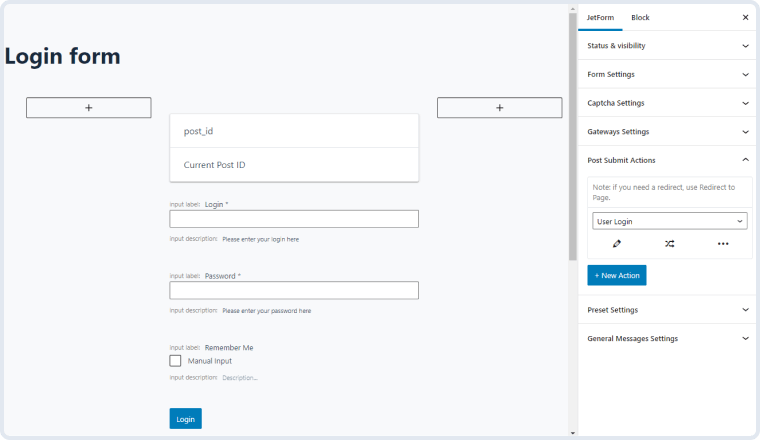
Click on the edit button with a pencil-shaped icon, and you will see the Edit Action window. Let’s go over the User Login addon’s settings.
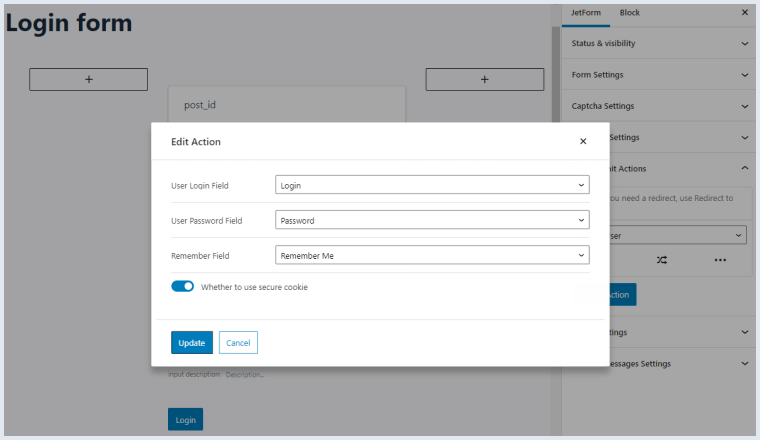
Once you’re done, hit the “Update” button and refresh the form. Please note that the Login User post-submit action does not imply redirecting the user to another page afterward. If you wish to add a redirect feature, make sure to set up the Redirect to Page action.


No account yet?
Create an Account