All-in-one digital toolkit. Premium WordPress themes, Shopify themes, plugins, templates & creative assets.




 Recently Updated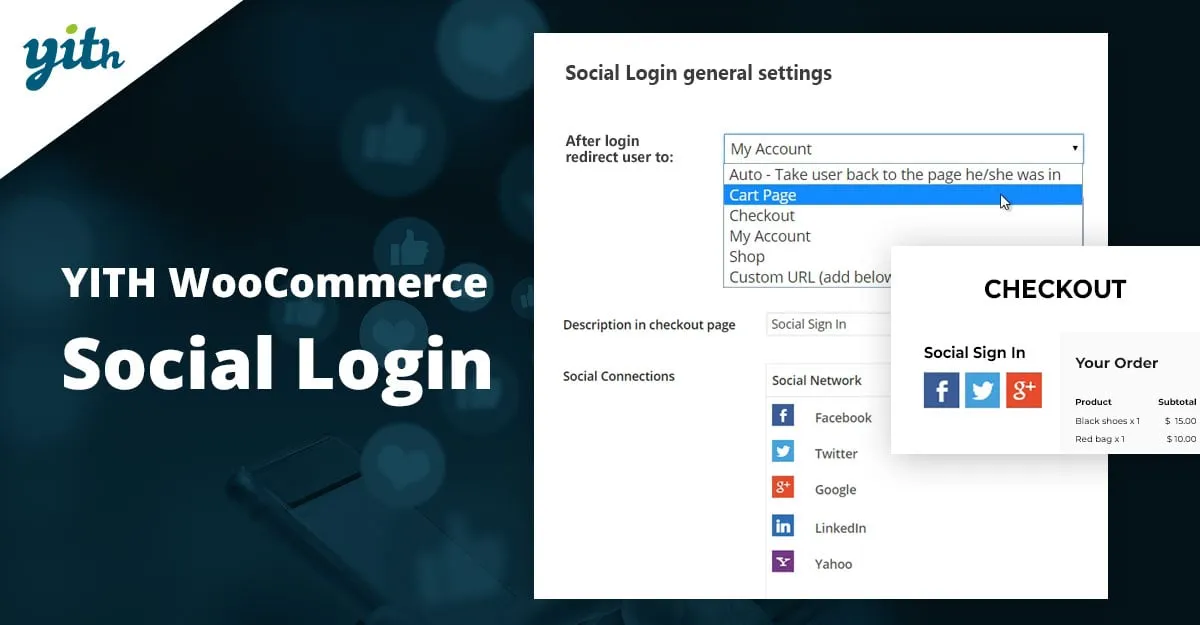

Login with your social profile: a simple but powerful tool for your sales
Research on online consumers reported extremely significant data: over 77% of them prefer social login when using an e-commerce site for two main reasons: security and data correctness. This certainly leads to increased conversion rates and, therefore, more sales.
There is a reason behind customers’ preferring social login instead of filling out a new registration form for each site they visit. First of all, security: social login allows them not to put their username and password into the hands of websites that might not be secure. Not to mention bearing them all in mind and all the time it takes to fill a for form for each site.
The second main reason concerns personalisation of data that with social media such as Facebook, Twitter and Google+ are much more accurate.
Customers, annoyed by inappropriate targeting, are delightfully surprised when they are addressed offers close to their tastes and needs, and this happens more frequently when you access via social media you constantly update.
All this makes your potential customers feel more secure and better disposed to purchase in your online shop.
- Version: 1.36.0
- Released: 2023-12-21
- Minimum PHP version: 7.0
- Requires: WordPress 6.2 and WooCommerce 8.2
- Compatible up to: WordPress 6.4.x and WooCommerce 8.4.x
- Supported multilanguage plugins: WPML, Loco Translate
- Translation ready: YES
- Languages 100% guaranteed by YITH: English, Italian, Spanish
- Languages provided by users: Dutch (100%), French (100%), Persian (Iran) (92%), Portuguese (Brazil) (90%)
- Support for: YITH Proteo theme. All YITH plugins.
- Supported third party themes: Avada, Divi, Flatsome, Neighborhood, Storefront, X
- GDPR Compliant: Not applicable
WITH YITH SOCIAL LOGIN YOU CAN:
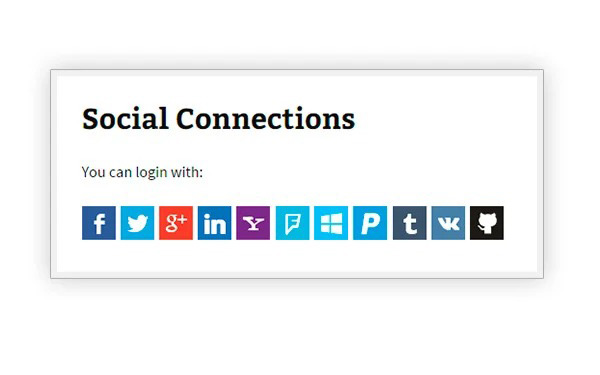
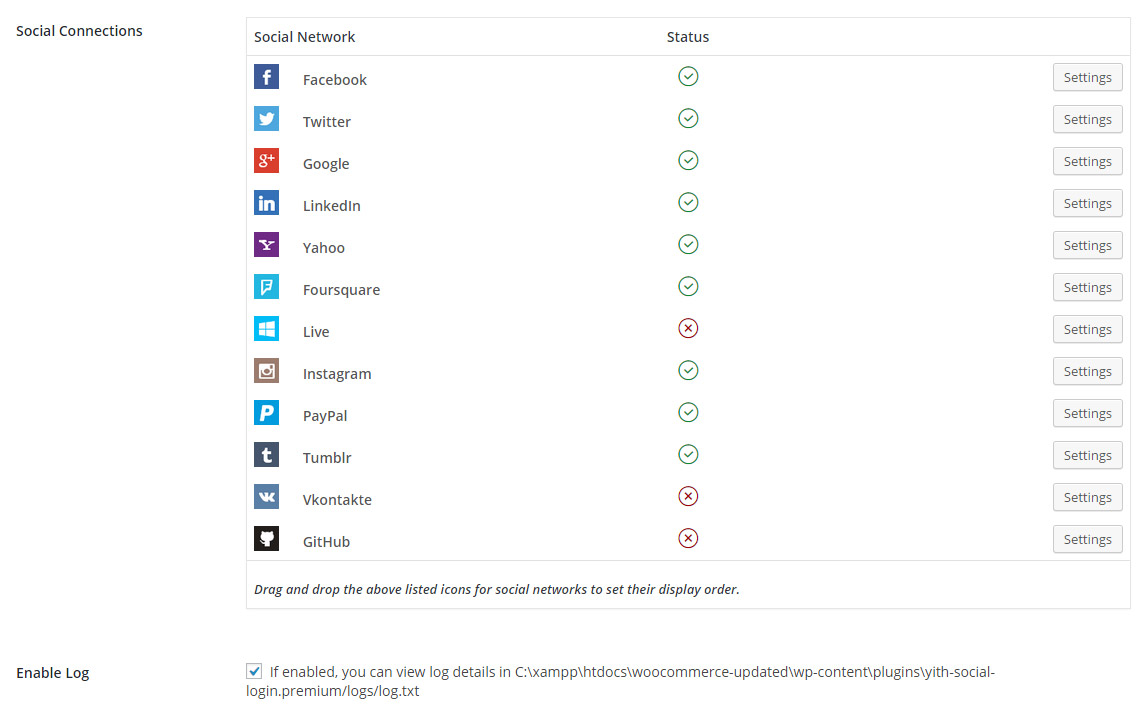
Use up to 11 different social media
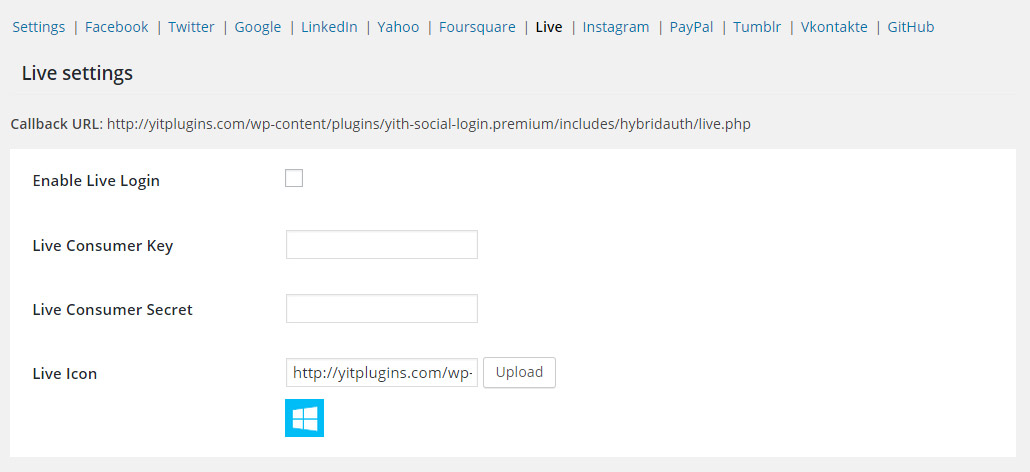
From Facebook to LinkedIn, from Foursquare and GitHub.
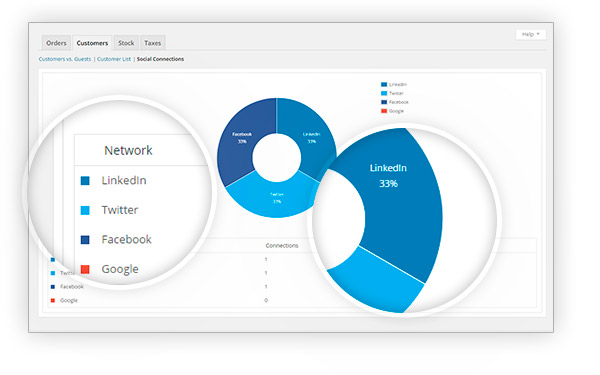
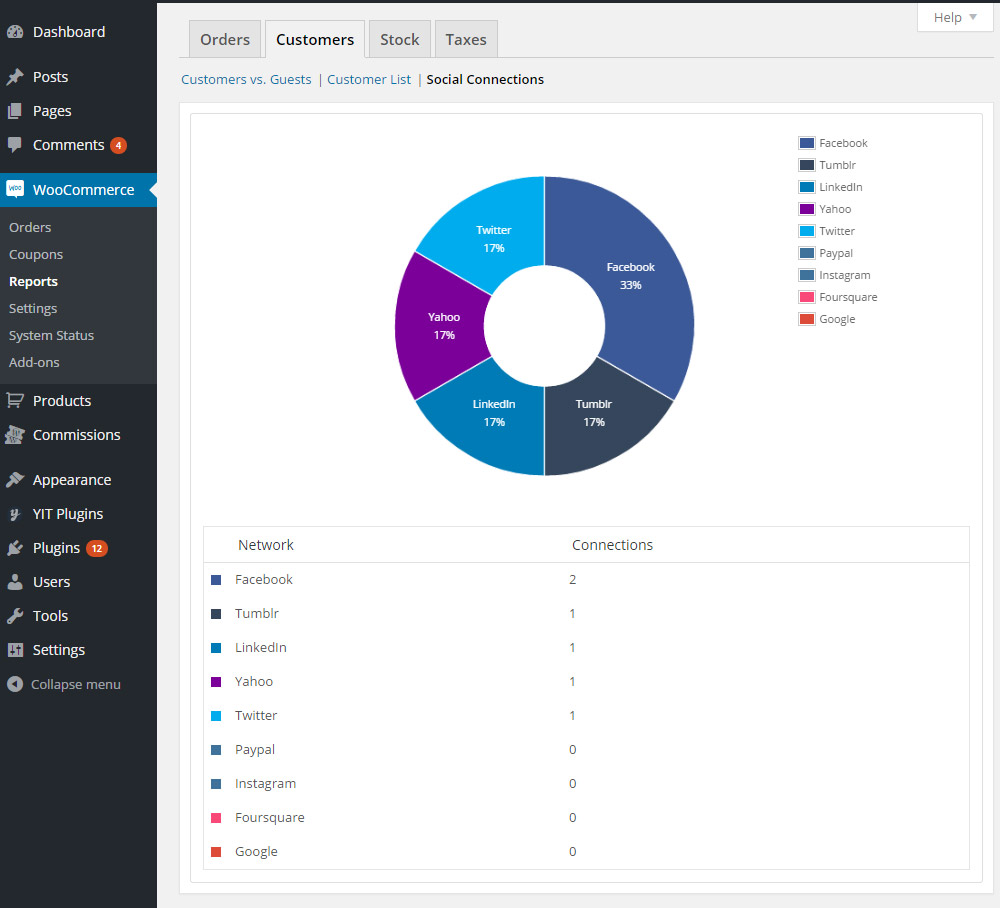
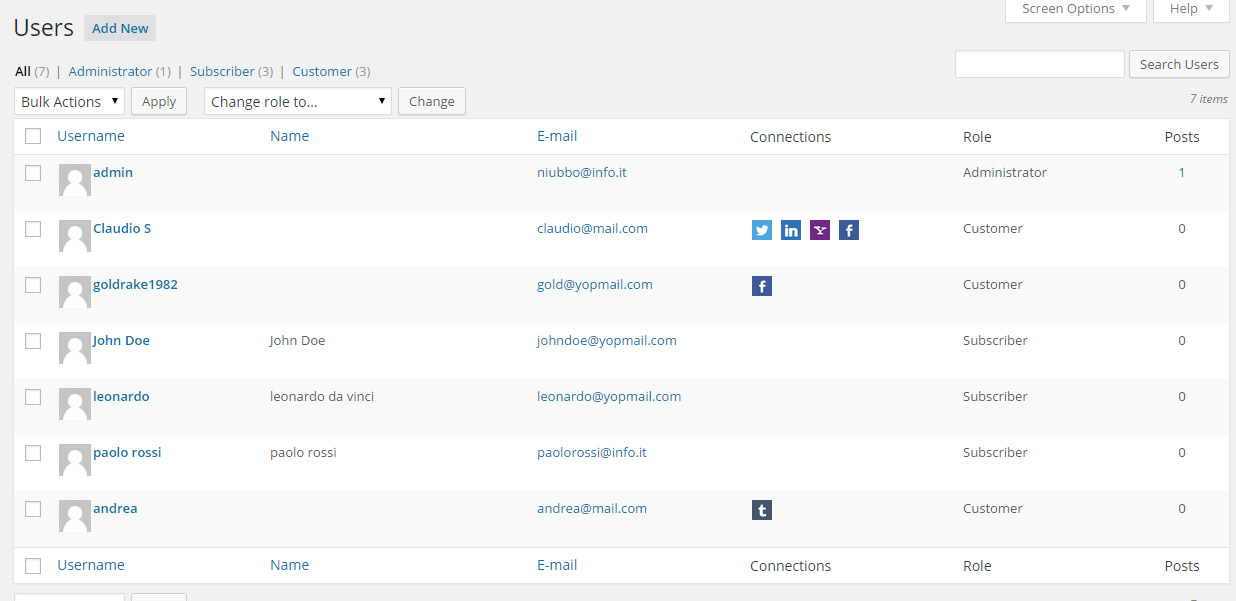
Create a report about connections
Control how many people have used the social networks to access to your site
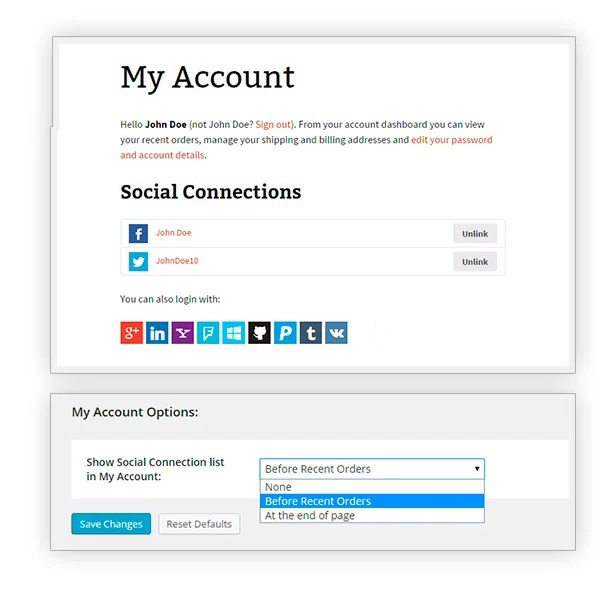
Let users manage all the social accounts from just one page
Thanks to the “My Account” page, your users will be able to interact with all the occurred connections
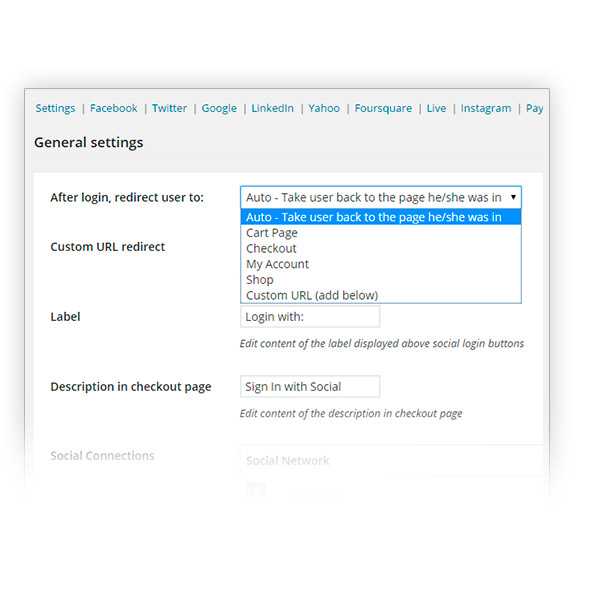
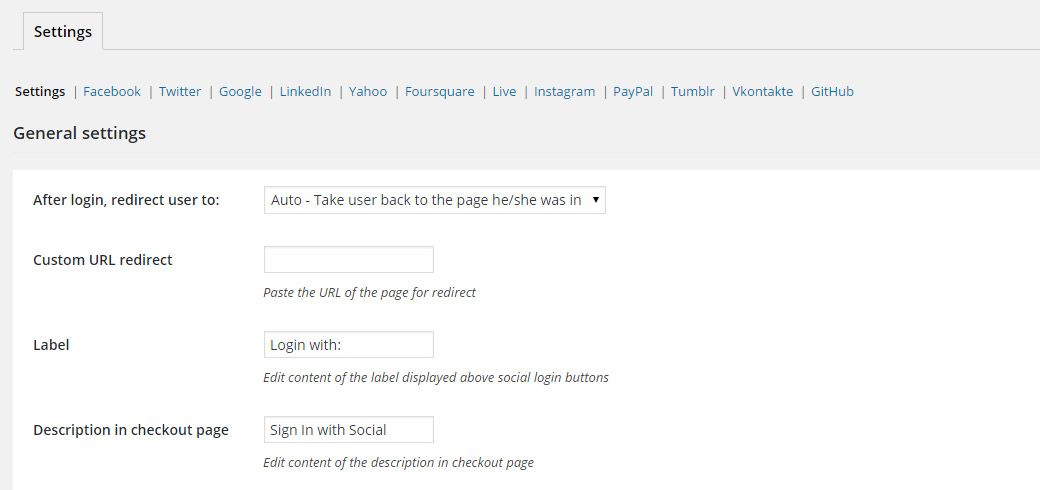
Create a redirect easily
So that you can link your users to one of WooCommerce pages or to a customized URL
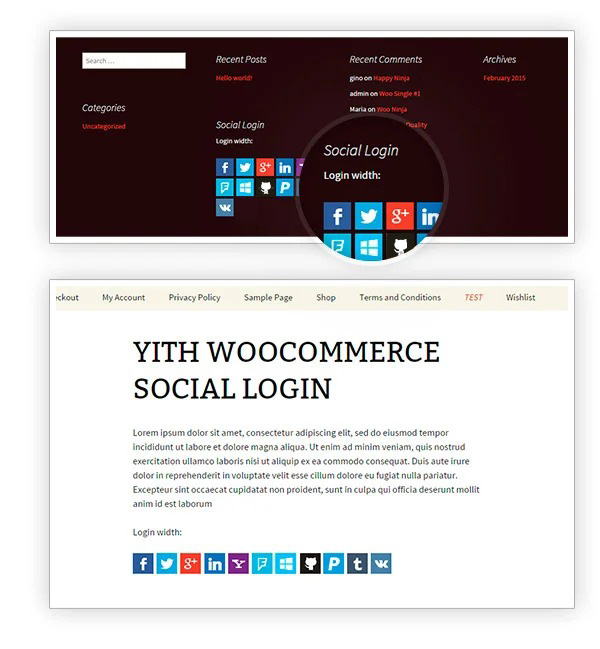
Place the social media buttons where you want
Using shortcodes and widgets at your disposal
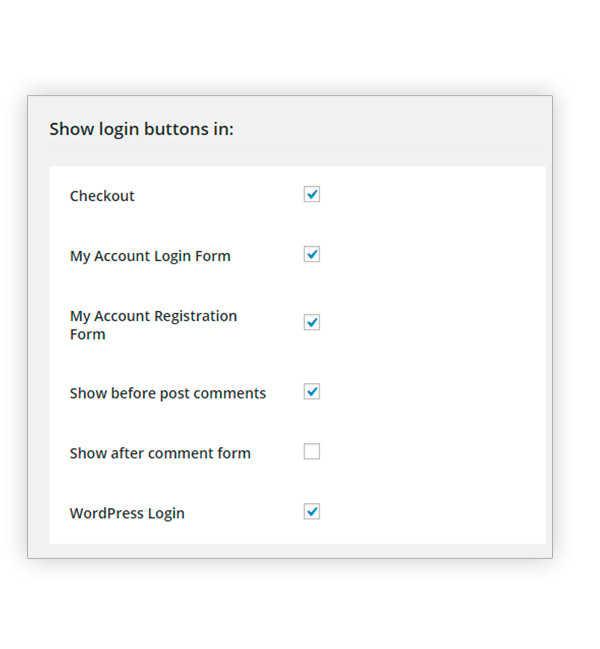
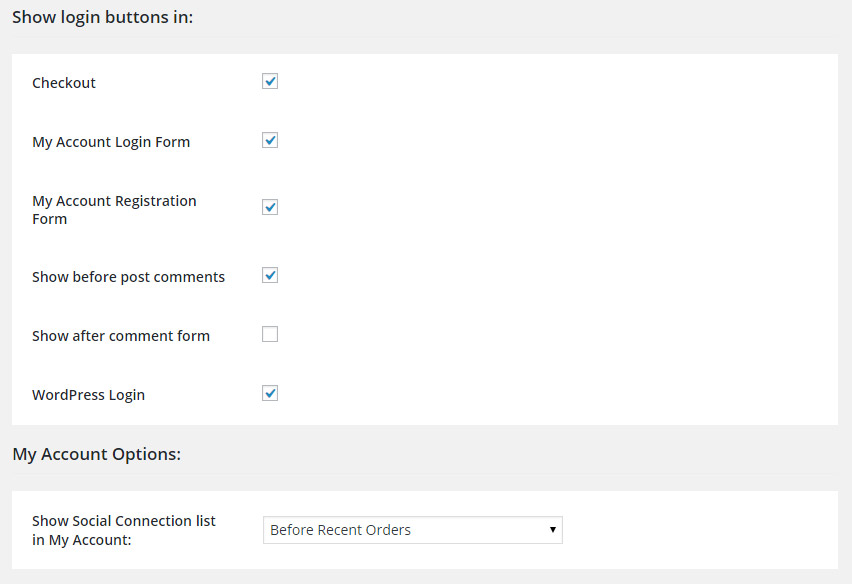
Display the login button in every page of the shop
You can place it in different pages, like the checkout or the WordPress login
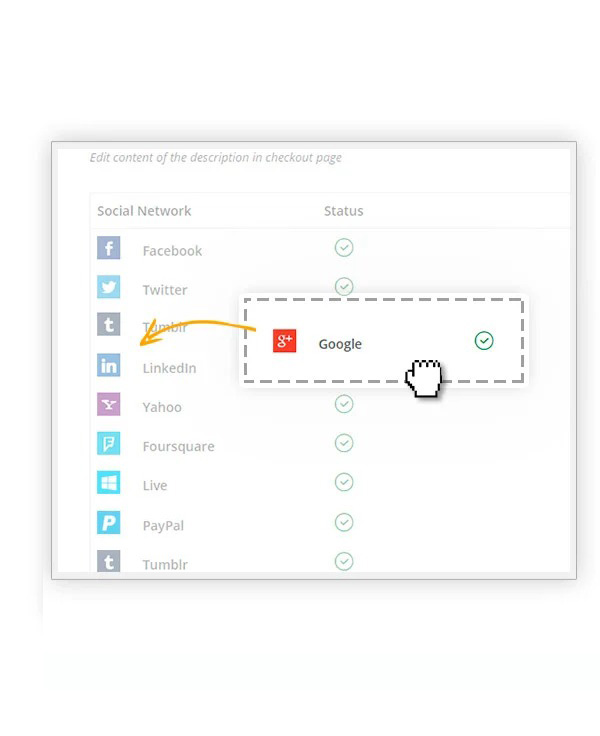
Change the order of the social media buttons
Thanks to an immediate drag and drop that only needs a single click
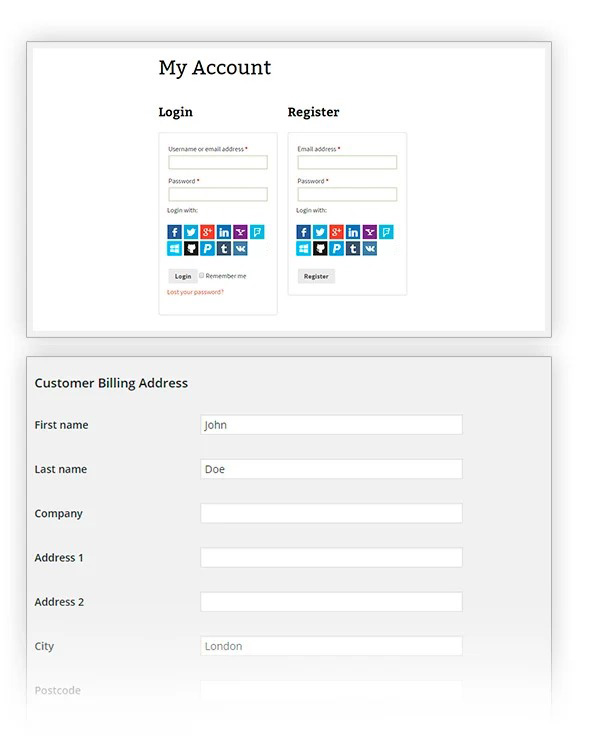
Let your users register with their social media accounts
Instead of the classic registration, they will only have to choose their favorite social network
Take advantage of the WPML compatibility
You are free to easily translate the plugin with the powerful WPML tool

Plugin features
- Login with Facebook
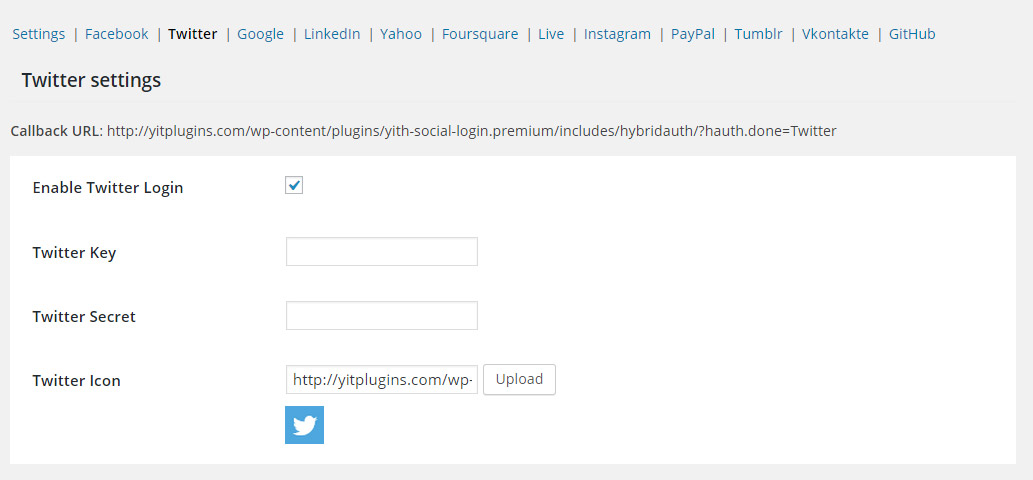
- Login with Twitter
- Login with Google
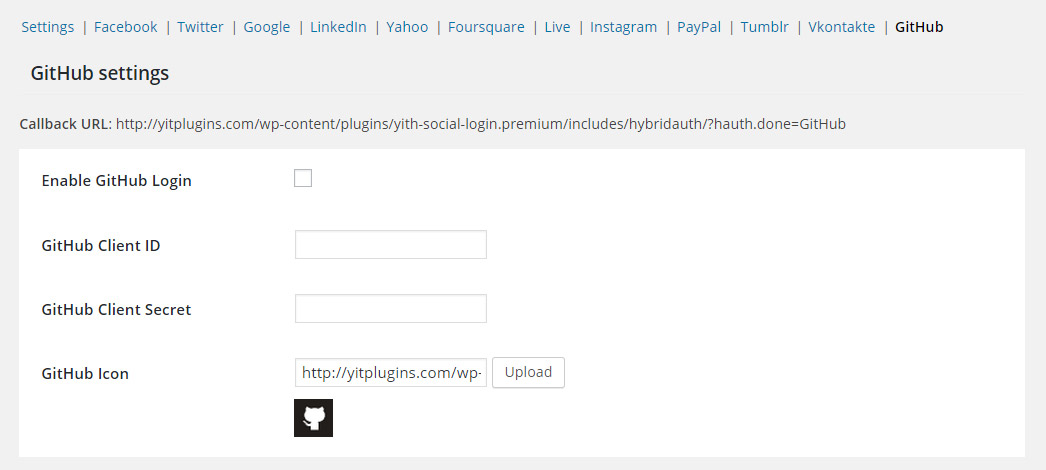
- Login with GitHub
- Login with Windows Live
- Login with Tumblr
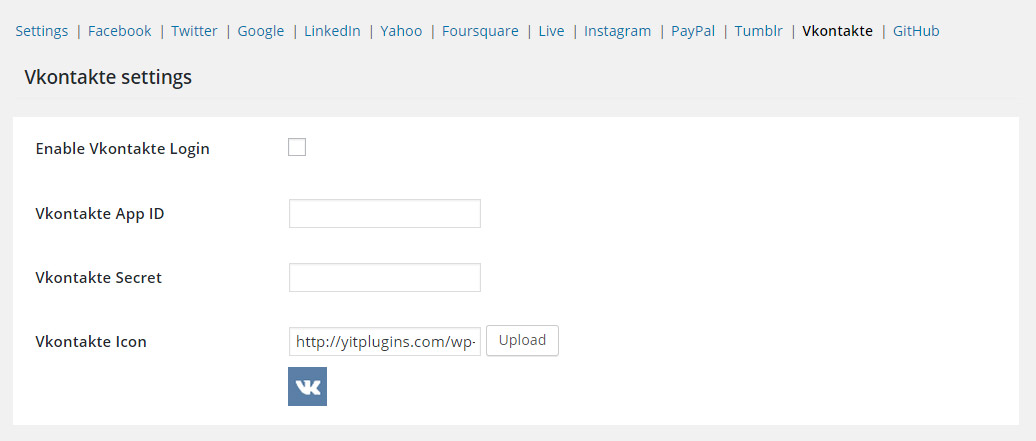
- Login with VK
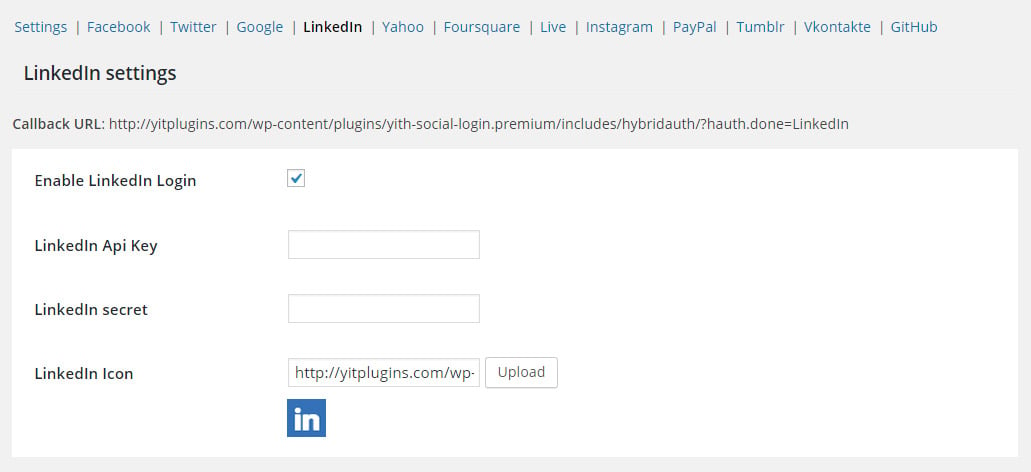
- Login with LinkedIn
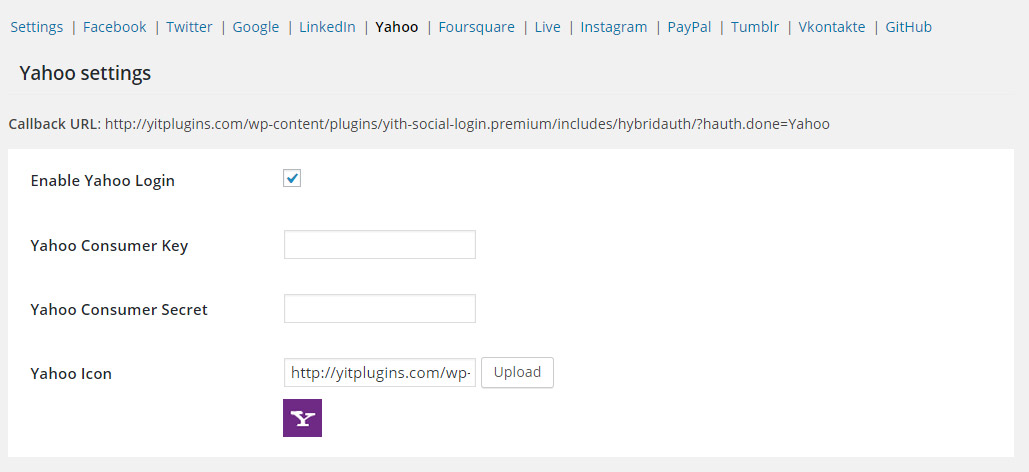
- Login with Yahoo
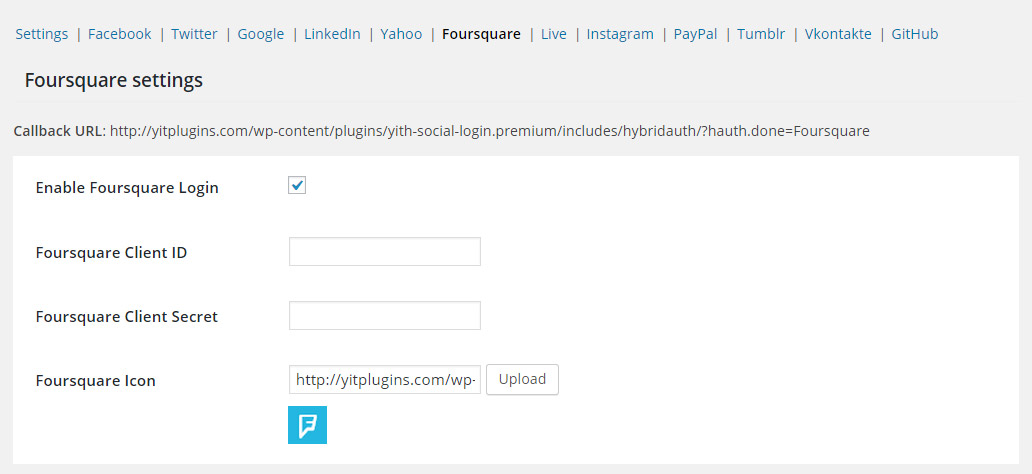
- Login with Foursquare
- Customize the text to display in place of “Login with”
- Customize the text on the Checkout page
- View a connection report
- View social connections in the list with all users
- View active connections for every single user from (admin) user profile
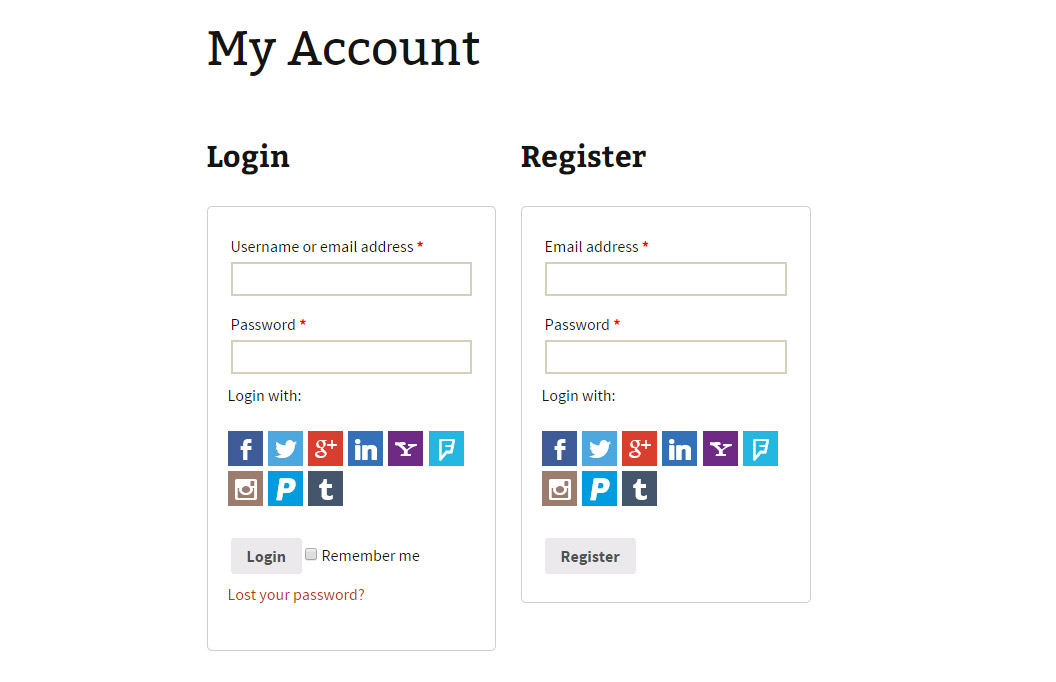
- Users will see a list of all connections on “My account” page and they will also be able to log in with other providers and even to remove the connection to one of the social networks available
- Manage redirect from admin side after users have logged in
- You can set a position for login buttons in the pages “My account” and WP login and in post comments
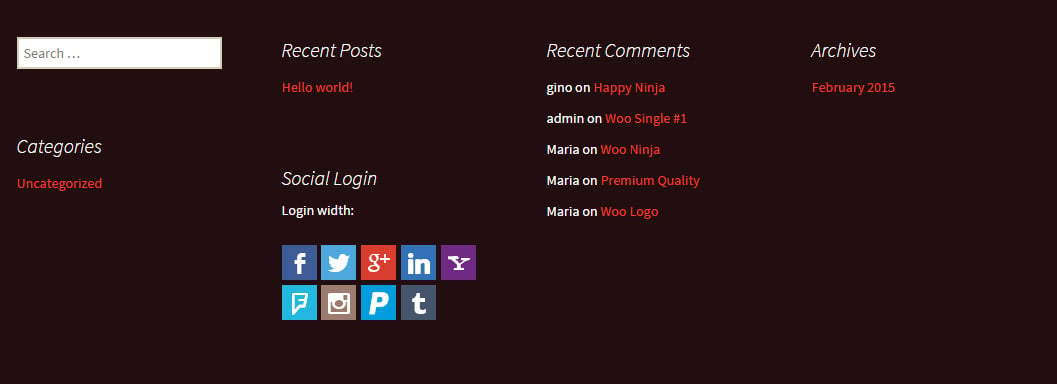
- You can use a widget for the displaying of login buttons
- You can use a shortcode to display login buttons
- If users register from a social network, some information will be stored in their WooCommerce profile, such as description, billing address, billing email etc
- You can set log registration for debugging
Screenshots






Reviews
Clear filtersThere are no reviews yet.